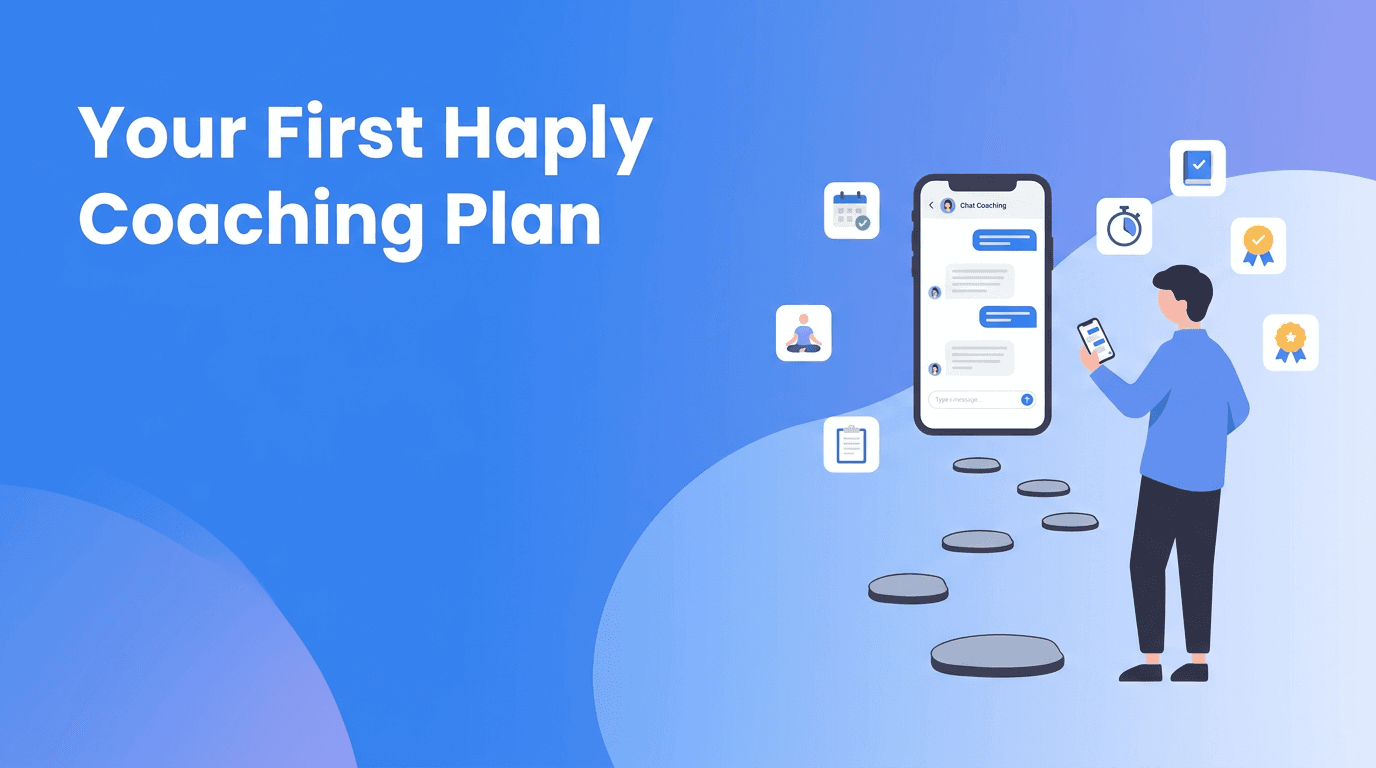
First Coaching Session Guide: A Beginner-Friendly Haply Setup Plan
This first coaching session guide shows new users how to set up Haply, choose the right coach, build early habits, and follow a simple 7-day plan for confident progress.

By Haply Team
Haply Editorial Team
Your first coaching session in Haply can shape how helpful the app feels from day one. If you just downloaded Haply and want a clear, low-pressure way to begin, this guide will walk you through profile setup, coach selection, habits, mini-apps, and a simple first-week plan.
Why your first coaching session matters
A lot of new users open an app, tap around for a few minutes, and then forget it exists. The better approach is to make your first coaching session feel personal and specific. Haply is an AI life coaching app on iOS and Android, and it works best when you give it a little direction at the start. The good news is that you do not need a perfect plan. You just need a useful starting point.
- Complete your goal-based onboarding honestly, even if your goals feel messy right now.
- Choose one life area to focus on first, not five at once.
- Set a daily reminder for the same time each day so using Haply becomes automatic.
- Treat the first week like an experiment, not a test you can fail.
Set up your profile for better coaching results
Your setup choices help Haply personalize your experience. During onboarding, be specific about what you want more of, like focus, calm, consistency, or career clarity. If you are unsure, pick the goal that would make the biggest difference this week. That gives your coach a clear direction and improves your first coaching session right away.
Profile setup tips that help right away
- Pick one primary goal before adding secondary goals.
- Use realistic availability, such as 5-10 minutes a day, instead of planning an ideal routine you will not follow.
- Turn on reminders and choose a time you are usually free, like after breakfast or before bed.
- Check the Today Dashboard daily so your coaching prompts, habits, and motivational quote stay visible.
- If you feel overwhelmed, start with the Productivity coach first. It is often the easiest entry point for building momentum.
"You do not need a new life by tomorrow. You just need a better next step today."
How to choose your first AI coach in Haply
One of the most common questions in any Haply beginner guide is which coach to choose first. The answer depends on your current friction point. Haply includes specialized AI coaches for Productivity, Wellness, Career, Learning, Finance, Creativity, and Relationships, so you can start where life feels most stuck.
- Choose Productivity if your days feel scattered and you need structure.
- Choose Wellness if stress, sleep, or energy is your biggest issue.
- Choose Career if you want help with direction, confidence, or work habits.
- Choose Learning if you are trying to study consistently or build a new skill.
- Choose Finance if money stress is distracting you from other goals.
- Choose Creativity if you want to make ideas happen instead of overthinking them.
- Choose Relationships if communication or connection is your current focus.
If you are still unsure how to use Haply, start with the coach tied to the problem you think about most often. You can always explore other coaches later.
New to Haply? Start small and stay consistent
Try one coach, one habit, and one mini-app this week. That simple combo is often enough to feel real progress fast.
Try Haply FreeA walkthrough of your first coaching session
Your first coaching session does not need to be deep or dramatic. It just needs to be honest. Open the coach you chose and describe what is going on in plain language. For example: "I feel behind on everything and need help picking one priority today." That gives the coach something concrete to work with.
What to do during the chat
- Explain your current situation in one or two sentences.
- Share one goal for today and one goal for this week.
- Answer follow-up questions honestly, even if the answer is "I do not know."
- Ask for a simple plan, not a perfect one.
- End by choosing one action you can do in under 10 minutes.
A helpful Haply tutorial mindset is this: the app is not there to impress you with complexity. It is there to help you take the next useful action. If the coach gives you several ideas, pick the easiest one you will actually do.
Set up habits to track without burning out
Many new users make the same mistake. They create too many habits too soon. A better Haply getting started strategy is to track just two or three habits that support your main goal. Use the habit tracker with streaks and daily reminders to build consistency, not pressure.
- Choose one anchor habit, like opening Haply every morning.
- Add one outcome habit, like 10 minutes of focused work or a short walk.
- Add one reset habit, like breathing for 2 minutes before bed.
- Keep habits easy enough to complete on busy days.
- Review your streaks weekly, but do not obsess over perfect numbers.
If you want practical Haply tips, set your reminder for the same time each day. Repetition matters more than motivation in the first week.
Explore Haply mini-apps with a beginner plan
Haply includes interactive mini-apps that turn advice into action. Instead of trying everything at once, match each mini-app to a specific need. This is one of the easiest ways to learn how to use Haply without feeling lost.
- Use the Focus Timer when you know what to do but cannot get started.
- Use the Task Planner when your mind feels crowded and you need to sort priorities.
- Use Meditation/Breathe when stress is blocking action.
- Use Sleep Stories when your evening routine needs calming structure.
- Use the Budget Tracker if financial stress is affecting your decisions.
- Use the Idea Board when creative thoughts are scattered and need a home.
A simple rule: after each coaching chat, choose one mini-app that supports the advice you just received. That creates a smooth loop between insight and action.
What streaks and levels actually mean
Streaks and levels are not there to judge you. They are there to make progress visible. When you check off habits, complete sessions, and return consistently, Haply rewards that behavior with streaks, achievements, and level progression. For beginners, this matters because visible progress can keep motivation alive while your new routine is still fragile.
- Use streaks as a consistency signal, not a measure of self-worth.
- Miss one day? Restart quickly instead of waiting for a perfect Monday.
- Celebrate levels and achievements as proof that small actions count.
- Check the Today Dashboard for a quick sense of direction each day.
A 7-day beginner challenge for your first week
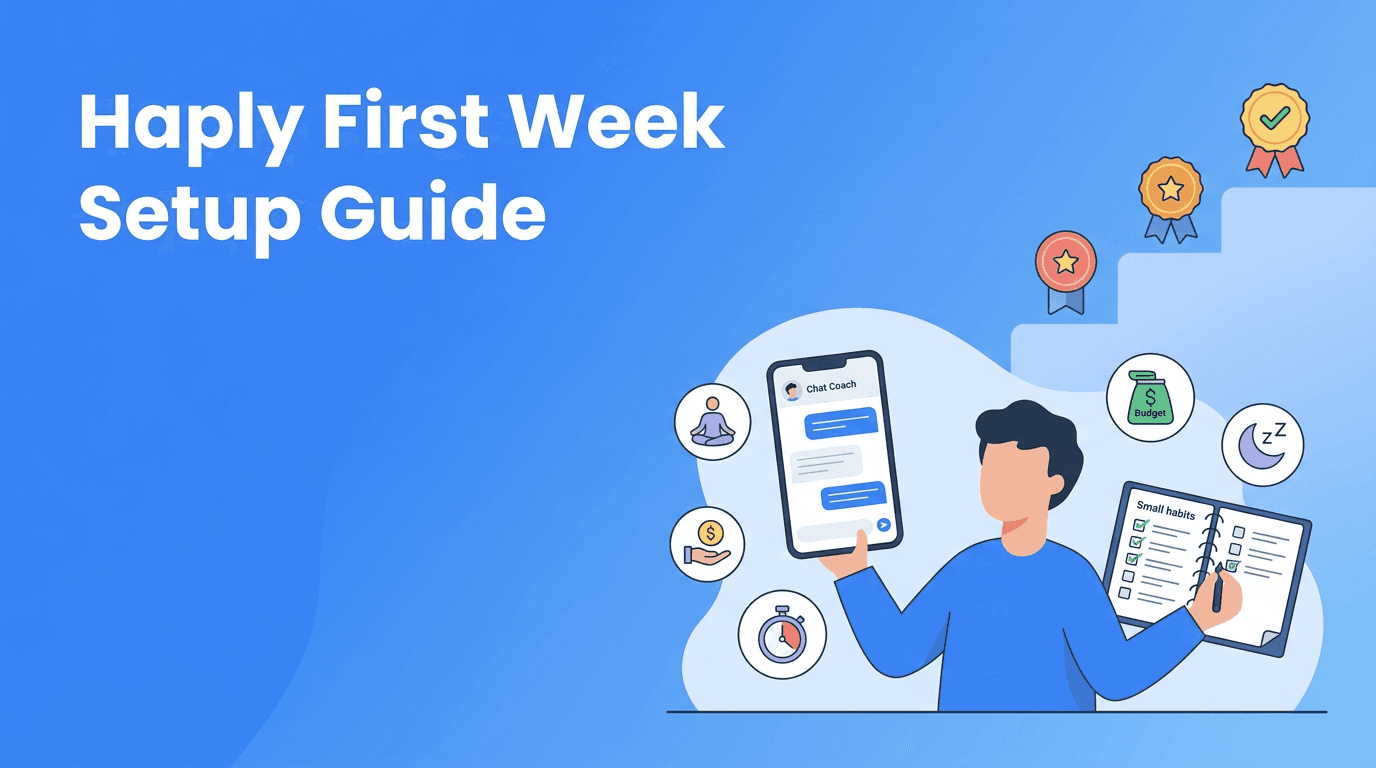
If you want a clear Haply beginner guide you can actually follow, use this 7-day challenge. It keeps things simple while helping you test the app's most useful features.
- Day 1: Finish onboarding, choose your primary goal, and complete your first coaching session.
- Day 2: Set up 2 habits and turn on a daily reminder.
- Day 3: Try one mini-app, preferably the Focus Timer or Meditation/Breathe.
- Day 4: Ask your coach to help you plan one realistic win for the day.
- Day 5: Review your streaks and adjust any habit that feels too hard.
- Day 6: Explore a second coach if another life area needs support.
- Day 7: Reflect on what helped most, then create a simple plan for next week.
By the end of these seven days, you do not need to have transformed your whole life. You just need proof that the app fits into your real routine. That is what turns curiosity into momentum.
Final Haply tips for brand-new users
- Start smaller than you think you need to.
- Use chat coaching to get unstuck, not to chase perfect answers.
- Let your first week be about discovery and repetition.
- Keep one main goal visible until it starts to feel natural.
- Use Haply's 7-day free trial to test a real routine, not just browse features.
Frequently Asked Questions
How do I start my first coaching session in Haply?
Open the coach that matches your main goal, describe your current challenge clearly, and ask for one simple next step. Keep the first session practical and short.
Which AI coach should beginners choose in Haply?
Most beginners do well with the Productivity coach if they feel overwhelmed, or the Wellness coach if stress and energy are the main issue. Choose the area that feels most urgent right now.
How many habits should I track when I first use Haply?
Start with two or three habits at most. This makes it easier to build consistency and protect your streaks without feeling overloaded.
What are the best mini-apps to try first in Haply?
The Focus Timer, Task Planner, and Meditation/Breathe are great starting points because they solve common beginner problems like distraction, overwhelm, and stress.
How long should I use Haply each day as a beginner?
Even 5 to 10 minutes a day can be enough at the start. Short, consistent check-ins usually work better than long sessions you cannot sustain.