Haply Getting Started Checklist: A Simple 7-Day Plan for New Users
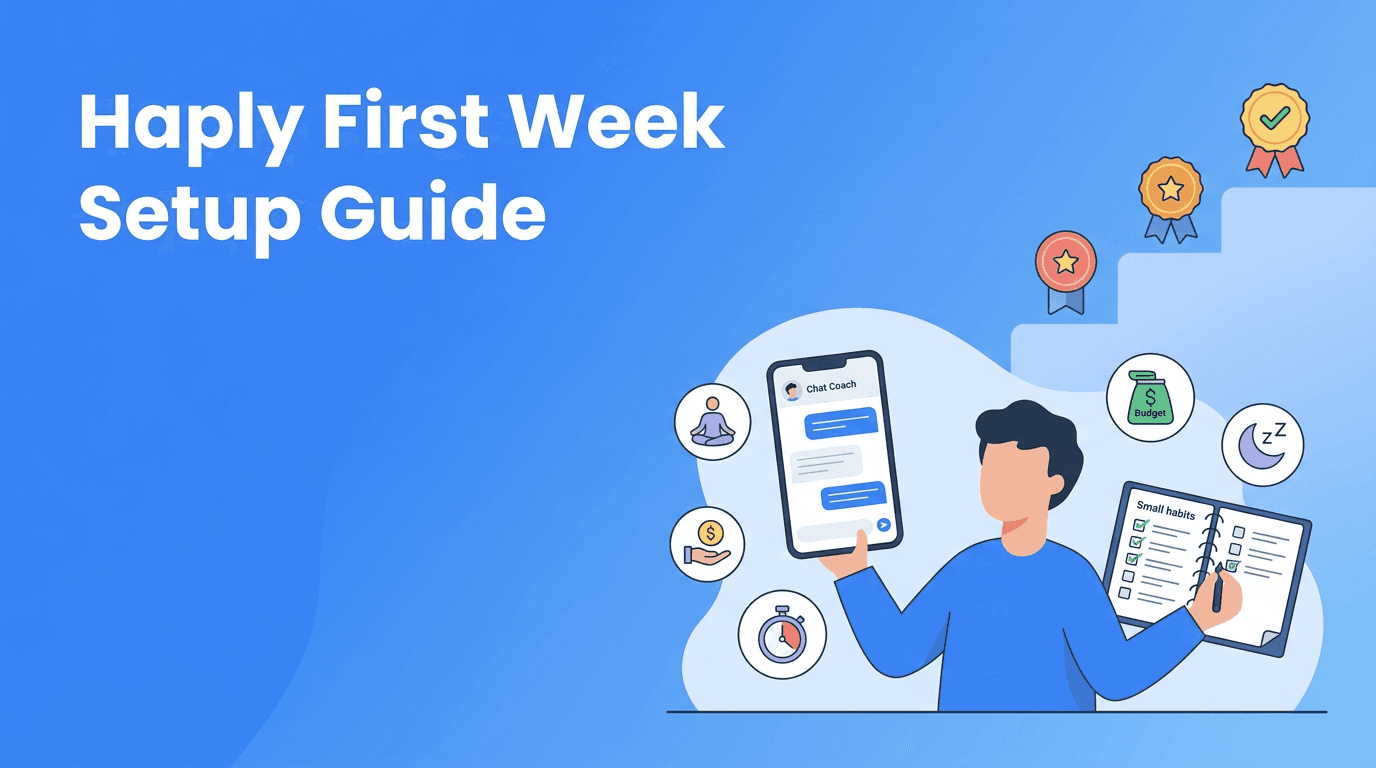
New to Haply? This Haply getting started guide shows you how to set up your profile, choose your first coach, start habits, explore mini-apps, and follow a simple 7-day plan.

By Haply Team
Haply Editorial Team
Haply getting started does not need to feel overwhelming. If you just downloaded the app, this guide will help you make smart first choices so your experience feels clear, personal, and motivating from day one.
Why your first setup matters
A few thoughtful setup steps can make Haply feel much more useful right away. Because Haply is an AI life coaching app for iOS and Android, the app uses your goals, preferences, and activity to personalize your coaching sessions, reminders, and daily suggestions. The better your starting setup, the more relevant your guidance will feel.
Set up your profile for better coaching
- Choose the goal areas that matter most right now, like productivity, wellness, career, learning, finance, creativity, or relationships.
- Be honest about your current challenges. If you feel scattered, stressed, or stuck, say so. Better input leads to better coaching suggestions.
- Pick realistic goals for this week, not your entire year. Small wins help you build trust in the app.
- Turn on daily reminders and choose a time you can actually keep, such as after breakfast or before bed.
- Complete the onboarding questions carefully, because they shape your Today Dashboard and first recommendations.
"You do not need a perfect plan. You just need a small step you can repeat."
How to choose your first AI coach
One of the best Haply tips for beginners is to start with the coach that solves your most immediate problem. Do not try everything at once. Pick the coach that matches the pressure point you feel today.
- Choose the Productivity coach first if you feel overwhelmed, behind, or unsure what to do next.
- Choose the Wellness coach if stress, sleep, or low energy is affecting your day.
- Choose the Career coach if you want help with direction, confidence, or work goals.
- Choose the Learning coach if you are trying to build study habits or stay consistent with a skill.
- Choose the Finance coach if you want simple support around spending awareness and planning.
- Choose the Creativity coach if you want to unblock ideas and make time for creative work.
- Choose the Relationships coach if communication or boundaries are your current focus.
If you are unsure where to begin, start with Productivity. It is often the easiest entry point because it helps you reduce mental clutter and build momentum fast.
Your first coaching session walkthrough
Your first coaching session is not a test. Think of it as a conversation that helps the app understand you better. If you have been searching for how to use Haply, this is the moment where the app starts becoming personal.
What to do in your first session
- Start with one clear issue, like "I keep procrastinating on important tasks" or "I want a calmer morning routine."
- Answer follow-up questions with real details. Mention your schedule, energy patterns, or common obstacles.
- Ask for one small next step. This keeps your session actionable instead of abstract.
- Save or note any advice that feels immediately useful.
- End by choosing one action to complete today, not five.
A strong first session usually ends with one tiny commitment, such as using the Focus Timer for 10 minutes, writing tomorrow's top three tasks, or doing a short breathing session before sleep.
Ready to try your first session?
Start with one small goal, follow the prompts, and let Haply personalize your next steps across coaching, habits, and mini-apps.
Try Haply FreeSet up habits you can actually keep
A great Haply beginner guide always starts with fewer habits, not more. The habit tracker, streaks, and reminders work best when your habits are simple enough to repeat without stress.
- Start with 2 or 3 habits maximum for your first week.
- Make each habit specific, like "10 minutes of planning" instead of "be productive."
- Attach habits to existing routines, such as after coffee, after lunch, or before bed.
- Set your reminder for the same time each day to build rhythm.
- Use streaks as motivation, not pressure. Missing one day is feedback, not failure.
Good first habits for new users
- Check the Today Dashboard each morning
- Complete one short coaching chat
- Use the Focus Timer once
- Write tomorrow's top 3 tasks
- Do one Breathe or meditation session before bed
Explore mini-apps without getting distracted
Another useful part of Haply getting started is learning which mini-app supports your goal best. You do not need to use every tool in one week. Pick one or two that match the change you want to make.
- Use the Focus Timer when you need help starting work or reducing distractions.
- Try the Task Planner if your mind feels crowded and you need a clear next step.
- Open Meditation/Breathe for quick resets during stressful moments.
- Use Sleep Stories if your evening routine needs help winding down.
- Try the Budget Tracker if your goal is to feel more aware of daily spending.
- Use the Idea Board when you want to collect thoughts without losing them.
A simple rule is this: choose one mini-app for your mornings and one for your evenings. That creates structure without app overload.
Understanding streaks, levels, and progress
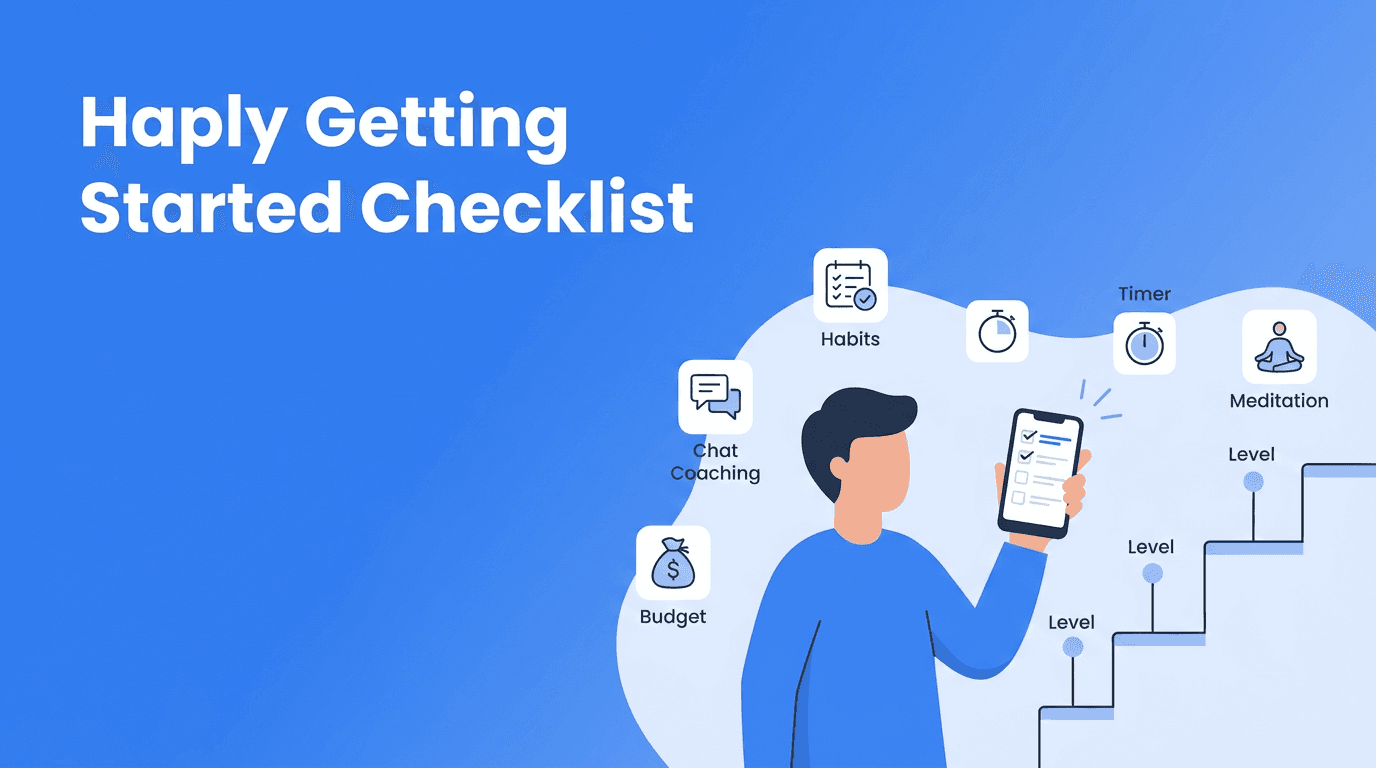
If you are looking for Haply tips that keep motivation steady, learn how the app rewards consistency. Haply includes streaks, achievements, and level progression to help you see progress even when your goals take time.
- Streaks reward repeated actions, like checking in daily or completing habits several days in a row.
- Levels give you a sense of growth as you keep using coaching tools and healthy routines.
- Achievements can make progress feel visible, especially when internal changes are hard to measure at first.
- The key is consistency, not intensity. Short daily actions usually beat occasional big efforts.
Do not chase streaks just to keep a number alive. Use them as proof that you are becoming the kind of person who shows up regularly.
A 7-day Haply getting started challenge
This Haply getting started challenge gives you a realistic first week. Each day is short, practical, and designed to help you feel early wins.
- Day 1: Finish your profile, choose one main goal area, and turn on reminders.
- Day 2: Try your first coaching session and ask for one small action for today.
- Day 3: Set up 2 habits in the tracker and complete both once.
- Day 4: Test one mini-app, ideally the Focus Timer or Breathe tool.
- Day 5: Review your Today Dashboard and adjust one reminder or habit if needed.
- Day 6: Do a second coaching chat and reflect on what felt easiest to follow.
- Day 7: Check your streaks, celebrate one win, and choose your next 7-day focus.
How to make the first week stick
- Keep sessions short so the app feels easy to return to.
- Use the same check-in time every day.
- Focus on progress you can repeat, not dramatic change.
- If something feels too hard, reduce the size of the habit instead of quitting it.
That is the real answer to how to use Haply well. Start small, stay honest, and let the app personalize around your real life.
Frequently Asked Questions
How do I start using Haply as a beginner?
Begin by completing your profile, choosing one goal area, and starting with one coach. Then set 2 or 3 small habits and use one mini-app that supports your main goal.
What is the best first coach to choose in Haply?
If you feel overwhelmed, the Productivity coach is usually the best first choice. If stress or sleep is your main issue, start with the Wellness coach instead.
How long should my first coaching session in Haply be?
Keep your first session short and focused, around a few minutes. The goal is to identify one clear problem and leave with one action you can do today.
What habits should I track first in Haply?
Start with simple habits like one daily check-in, 10 minutes of planning, one focus session, or a short breathing exercise before bed. Choose habits that feel easy to repeat.
How do streaks and levels work in Haply?
Streaks reward consistency across daily actions, while levels and achievements show overall progress in the app. They are meant to encourage regular use, not perfection.