Haply Tutorial for Your First 7 Days: A Beginner Guide That Makes Starting Easy
This Haply tutorial shows exactly how to use Haply in your first week, from setting up your profile to your first coaching session, habits, mini-apps, streaks, levels, and a simple 7-day plan.

By Haply Team
Haply Editorial Team
This Haply tutorial is for anyone who just downloaded the app and wants a simple, no-stress way to begin. If you are wondering how to use Haply without feeling overwhelmed, this guide walks you through profile setup, your first coaching session, habits, mini-apps, streaks, levels, and a realistic 7-day plan.
Why a simple Haply tutorial helps on day one
When you open Haply for the first time, it can be tempting to tap everything at once. A better approach is to set up a few core pieces first. Because Haply is an AI life coaching app on iOS and Android with coaches for Productivity, Wellness, Career, Learning, Finance, Creativity, and Relationships, a little setup goes a long way toward getting more relevant support from day one.
"You do not need a perfect plan. You just need a first small step you can repeat tomorrow."
Step 1: Set up your profile for better coaching
Your profile is not just account info. It shapes the recommendations you see, the coaching tone you get, and what shows up on your Today Dashboard. During onboarding, answer the goal questions honestly, even if your goal feels basic like getting organized, sleeping better, or feeling less stuck.
- Choose your main goal based on what feels most urgent right now, not what sounds most impressive.
- Be specific when possible. Instead of "be better," choose something like focus at work, reduce stress, or build a study routine.
- Turn on daily reminders and set them for the same time each day. Consistency matters more than the exact hour.
- If you are between goals, start with the area causing the most friction in your week.
- Check your dashboard after onboarding to see how Haply has personalized your starting experience.
Quick profile setup tips that improve results
- If you feel overwhelmed, try the Productivity coach first.
- If your energy is low or stress is high, begin with the Wellness coach.
- If you want momentum fast, pick one goal and one habit instead of five.
- Use reminder times that match your real life, like after breakfast or before bed.
- Revisit your goal settings after a few days if your needs change.
Step 2: Choose your first AI coach with confidence
A common Haply beginner guide question is: which coach should I pick first? The answer depends on the problem you want help with this week, not the kind of person you hope to become eventually. Your first coach should solve a current pain point.
- Pick Productivity if your brain feels cluttered, your to-do list is messy, or you keep procrastinating.
- Pick Wellness if you need support with stress, sleep, breathing, or daily calm.
- Pick Career if you want help with work direction, confidence, or planning next steps.
- Pick Learning if you are building a study habit or trying to stay consistent with a new skill.
- Pick Finance if money stress is taking mental space and you want simple tracking support.
- Pick Creativity if you want to create more often and stop overthinking ideas.
- Pick Relationships if communication, boundaries, or connection is your priority.
New to Haply? Start with one coach only
For your first week, stick with one main coach so your experience feels clear and personalized. You can always explore more later.
Try Haply FreeStep 3: What happens in your first coaching session
Your first coaching session is where Haply starts feeling personal. The chat-based coaching flow is designed to help you think clearly, not to bury you in theory. Expect a short conversation that helps define your goal, your current challenge, and one next step.
A simple first coaching session walkthrough
- Open your chosen coach and describe what is happening in plain language. For example: I feel behind every day and do not know where to start.
- Answer follow-up questions honestly. Short, direct answers work well.
- Let the coach help you narrow your focus to one immediate win for today or tomorrow.
- If a suggestion feels too big, ask for a smaller version. Haply works best when actions feel doable.
- Before ending the session, save or note your next action so it does not disappear into good intentions.
One of the best Haply tips is to treat the first session like a working draft, not a final answer. You are building momentum, not designing your entire life in one chat.
Step 4: Set up habits you can actually keep
After your first session, connect the coaching insight to daily action. This is where the habit tracker becomes useful. In Haply, habits work best when they are small, visible, and tied to a clear cue.
- Start with one to three habits maximum during week one.
- Make habits measurable, like 10 minutes of focused work, 1 breathing session, or review budget for 5 minutes.
- Link each habit to a trigger, such as after coffee, after lunch, or before bed.
- Use streaks as motivation, but do not chase perfection. Missing one day is not failure.
- Check off habits as soon as you complete them so the tracker stays honest and satisfying.
Good beginner habits to track in Haply
- A 2-minute morning plan in the Task Planner
- One Focus Timer session for deep work
- A short Breathe or meditation session
- Writing one idea in the Idea Board
- Reviewing one spending category in the Budget Tracker
- Listening to Sleep Stories as part of a bedtime routine
Step 5: Explore mini-apps without getting distracted
One reason this Haply tutorial matters is that the app offers more than coaching chats. The mini-apps turn advice into action. The key is to choose tools based on your goal instead of trying every feature at once.
- Use Focus Timer when you know what to do but cannot start.
- Use Task Planner when everything feels important and you need order.
- Use Meditation/Breathe when your thoughts are racing or stress is building.
- Use Sleep Stories when bedtime scrolling is replacing rest.
- Use Budget Tracker when financial stress needs structure.
- Use Idea Board when you want to capture creative thoughts before they vanish.
If you are asking how to use Haply well, think in pairs: coach plus tool. For example, pair the Productivity coach with Task Planner and Focus Timer, or pair the Wellness coach with Breathe and Sleep Stories.
Step 6: Understand streaks, levels, and small wins
Streaks and levels are there to make progress visible. They are not a test you can fail. Streaks reward consistency, while levels and achievements help you notice how often you are showing up for yourself.
- Use streaks as a return signal, not pressure. If you miss a day, restart calmly.
- Celebrate showing up, even when the action was tiny.
- Check achievements for motivation, but keep your attention on the habits that support your real goal.
- Let levels remind you that growth is built from repeated sessions, check-ins, and tracked actions.
- Open the Today Dashboard daily to see your overview, quote, and next best step.
"Consistency is not doing a lot once. It is doing a little again."
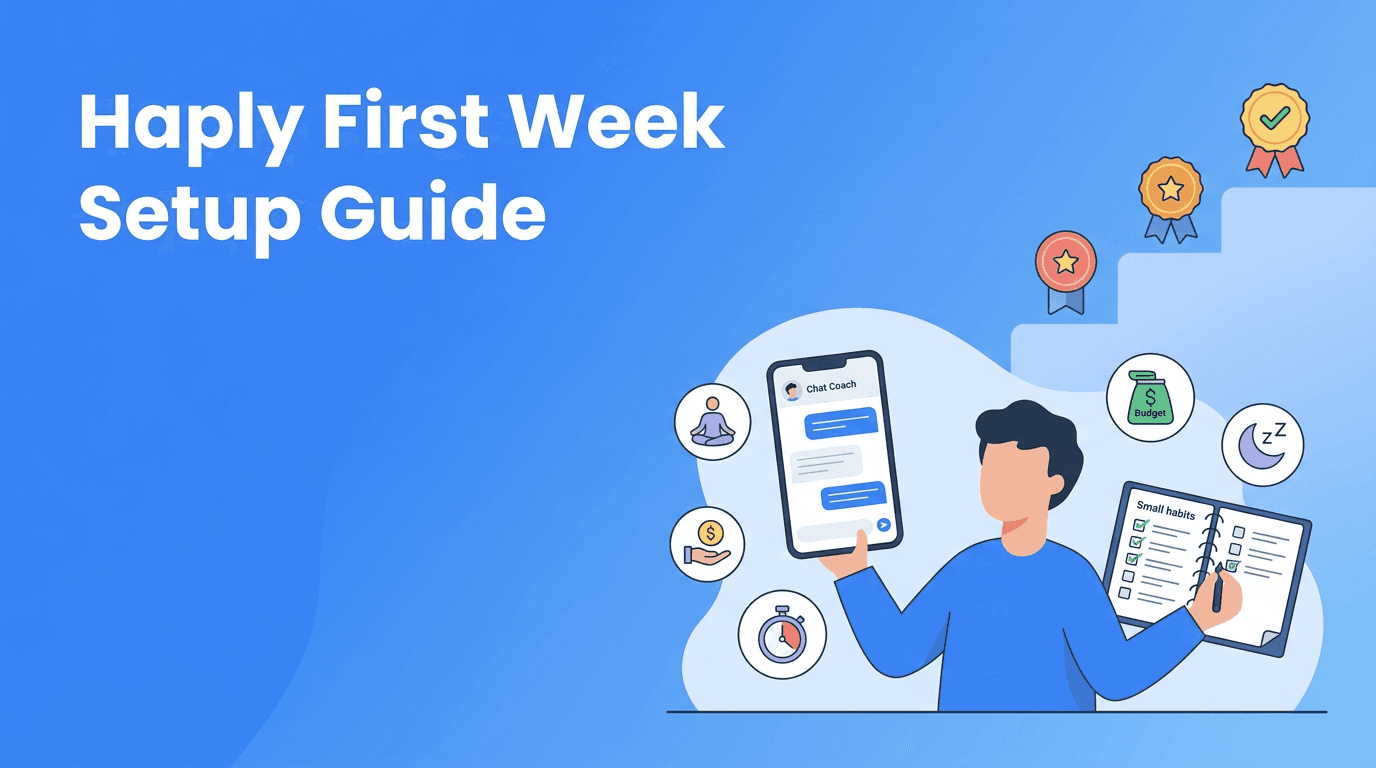
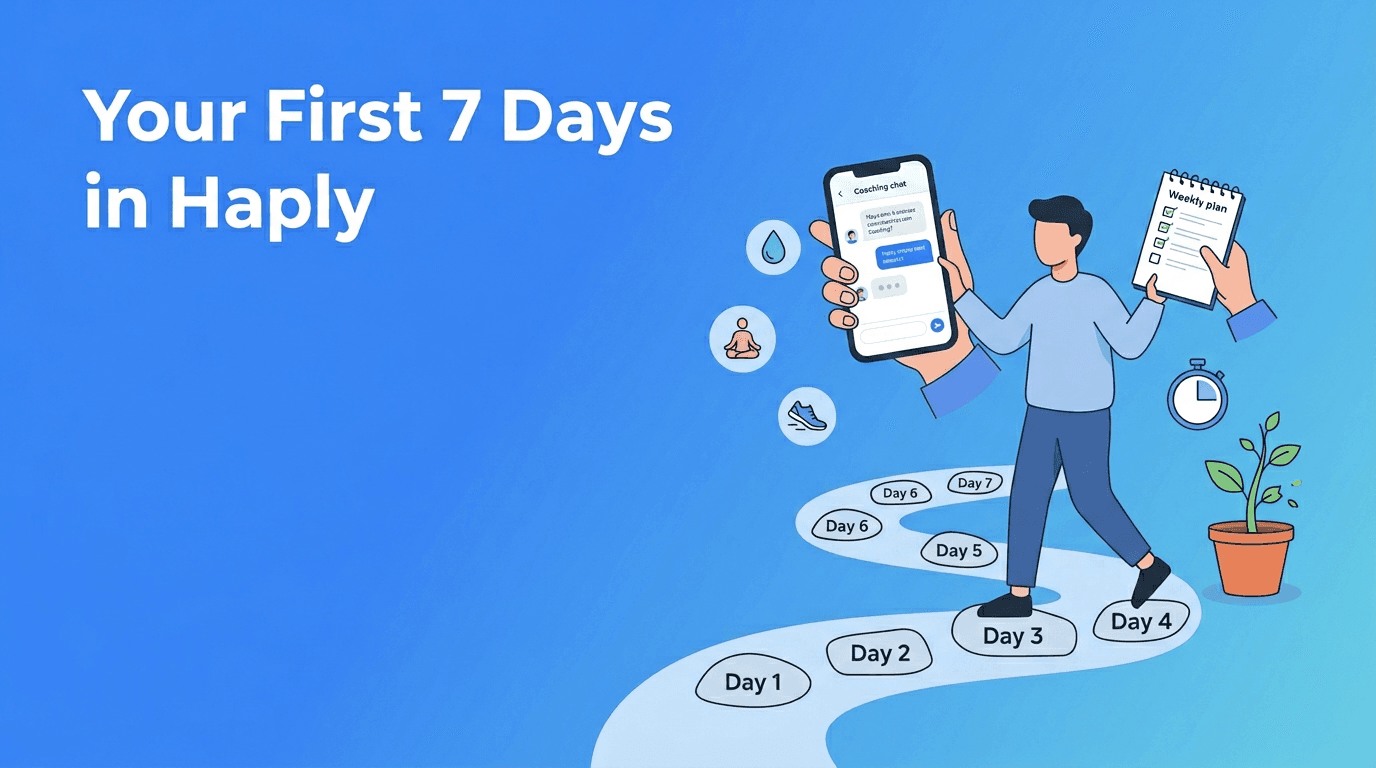
A 7-day Haply getting started challenge
If you want Haply getting started to feel easy, follow this 7-day challenge. It gives structure without making your week feel full.
- Day 1: Finish onboarding, set your reminder, and choose one main coach.
- Day 2: Complete your first coaching session and write down one next step.
- Day 3: Add one to three habits and check off at least one today.
- Day 4: Try one mini-app that matches your coach, like Focus Timer or Breathe.
- Day 5: Review your progress in the Today Dashboard and adjust one habit if needed.
- Day 6: Do a second coaching session and ask for a smaller or smarter plan if your first one felt too ambitious.
- Day 7: Reflect on what helped most, keep one coach, one mini-app, and one habit for next week.
What success should look like after week one
By the end of seven days, success is not becoming a brand-new person. Success is knowing your main goal, feeling comfortable with one coach, completing at least one or two sessions, tracking a few habits, and finding one mini-app you genuinely like. That is a strong start for any Haply beginner guide.
Final Haply tips for staying with it
- Keep your first week simple on purpose.
- Use the app at the same time each day to build the coaching habit.
- Ask the coach for smaller steps whenever advice feels too big.
- Choose tools that match your goal instead of exploring everything randomly.
- Use the free trial week to build a routine you can imagine repeating.
The best Haply tips are usually the simplest ones: start small, stay honest, and come back tomorrow. With the right setup, your Haply tutorial does not end after day one, it becomes a personal system for steady growth.
Frequently Asked Questions
How do I start using Haply as a beginner?
Begin with onboarding, choose one main goal, pick one AI coach, and complete a short first coaching session. Then add one to three simple habits and set a daily reminder.
Which Haply coach should I choose first?
Choose the coach that matches your most urgent challenge right now. If you feel overwhelmed, the Productivity coach is often the easiest place to start.
What happens in a first coaching session on Haply?
Your first coaching session is a short chat that helps clarify your current challenge, your goal, and one next step. You can always ask for smaller, more practical suggestions.
How many habits should I track in Haply at the beginning?
Most new users do best with one to three habits in the first week. Fewer habits make it easier to stay consistent and build a streak.
Is Haply available on iPhone and Android?
Yes. Haply is available on both iOS and Android, so you can access coaching, habit tracking, and mini-apps on your phone.