Second Brain Apps: Which App Features Actually Help You Think Better?
Second brain apps promise better organization, but the right app features matter more than hype. Learn how to choose tools that support real personal development technology.

By Haply Team
Haply Editorial Team
If you have tested second brain apps, you already know the market is crowded with bold claims. Yet the real question is not which app looks smartest, but which app features help you capture ideas, reduce mental clutter, and turn information into action. In today's tech trends, the best tools for personal development technology are the ones that improve thinking, not just storage.
Why second brain apps are becoming a serious personal development technology
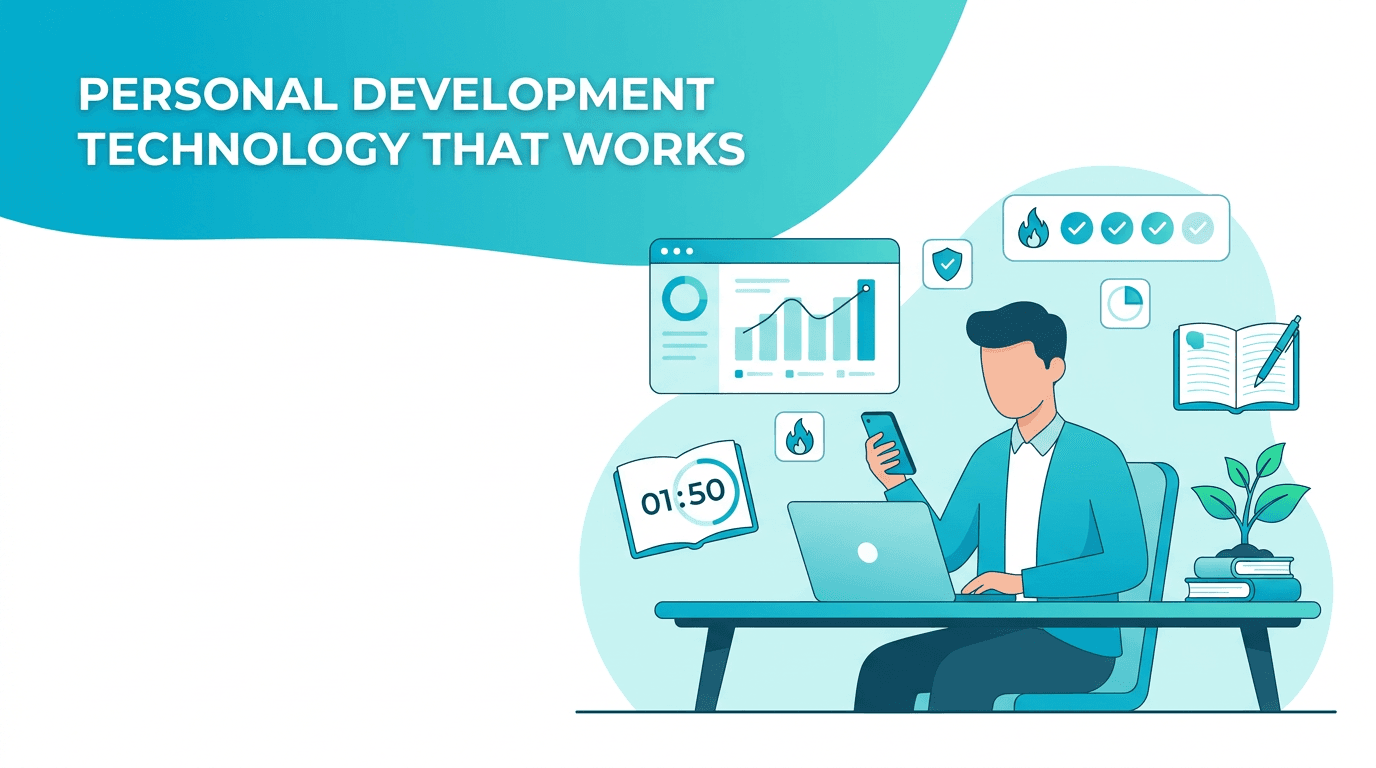
For tech-savvy professionals, information overload is no longer a minor inconvenience. It is a performance problem. Meetings, articles, voice notes, saved posts, tasks, and half-finished ideas all compete for attention. That is why second brain apps are shifting from niche productivity tools into mainstream personal development technology. They help users externalize memory, organize priorities, and build more deliberate systems for growth.
- Capture ideas quickly before they disappear
- Connect notes, tasks, and goals in one workflow
- Retrieve useful information without digging through multiple apps
- Reflect on patterns that improve decision-making over time
The most useful app features are not always the flashiest
A common mistake is choosing an app based on visual polish or trend-driven buzzwords like AI coaching apps or all-in-one workspaces. Those can be valuable, but only if the fundamentals are strong. The best app features usually support speed, clarity, and consistency.
1. Fast capture across devices
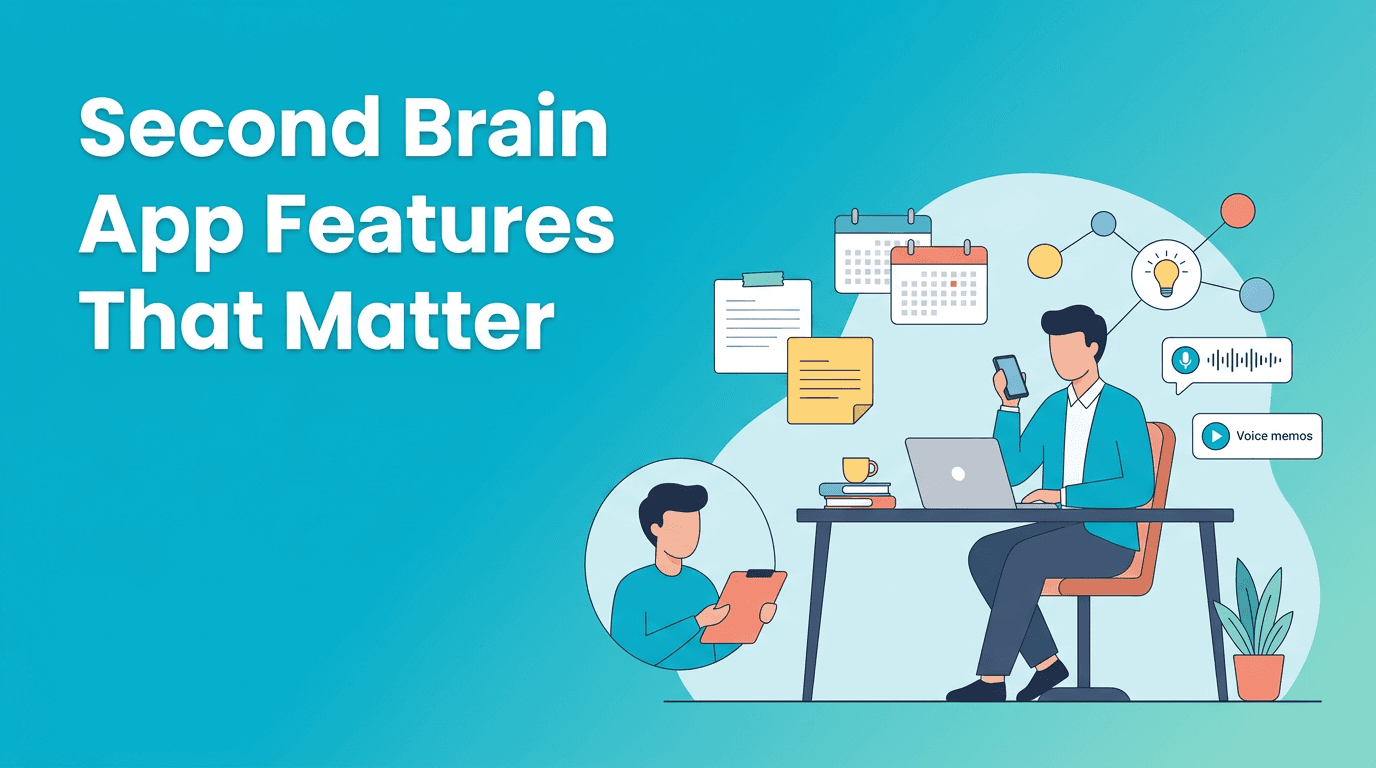
If an app makes capture slow, you will stop using it. Look for mobile widgets, browser clipping, quick-add shortcuts, voice input, and frictionless syncing between desktop and phone. A second brain should feel easier than forgetting.
2. Search that actually works
Search is where many knowledge tools fail. Strong second brain apps make it easy to find notes by keyword, tag, date, project, or context. AI summaries are helpful, but reliable retrieval matters more than clever extras.
3. Flexible structure without chaos
The strongest systems balance freedom with constraints. Folders, tags, backlinks, pinned dashboards, and templates should support your workflow without turning organization into a hobby. If setup becomes endless, the tool is stealing focus instead of creating it.
"Your tools should reduce cognitive load, not become another project to manage."
How AI changes the second brain category
Current tech trends are pushing note-taking and planning tools toward automation. AI can now summarize meetings, suggest tags, rewrite rough notes, and surface patterns across your data. This is where the line between knowledge tools and AI coaching apps starts to blur.
- AI summaries can turn long notes into quick decisions
- Smart prompts can help you reflect on goals and habits
- Context-aware suggestions can connect projects, tasks, and ideas
- Natural language search makes retrieval faster for busy professionals
Still, AI should enhance your system, not dominate it. If an app generates a lot of output but does not help you act on it, its intelligence is mostly cosmetic.
A practical comparison: what different tools do well
Different tools solve different parts of the problem. Notion is strong for customizable workspaces and databases. Obsidian appeals to users who want deep linking and local-first control. Evernote still works for straightforward capture and search. Apple Notes wins on simplicity for many users already inside that ecosystem.
Haply fits a different but increasingly relevant niche. Instead of acting only as a storage system, it adds a layer of guided action. As an AI life coaching app on iOS and Android, Haply combines chat-based coaching with practical mini-tools like a Task Planner, Focus Timer, habit tracker, and a personalized Today Dashboard. For users who want personal development technology that not only stores intentions but also turns them into daily behavior, that is a meaningful distinction.
Want your tools to create action, not just archives?
Try Haply if you want personalized AI coaching, habit tracking, and practical mini-apps that help turn ideas into consistent progress.
Try Haply FreeHow to choose second brain apps based on your real workflow
- Choose simplicity first if you rarely review notes and mainly need quick capture
- Choose structure and databases if you manage projects, research, or content pipelines
- Choose AI-assisted reflection if you want your tool to support habits, planning, and self-awareness
- Choose cross-platform reliability if you switch constantly between laptop and phone
- Choose low-friction reminders if your challenge is execution, not idea generation
The best setup is usually smaller than people expect. One app for capture, one for calendar, and one layer for guided follow-through is often enough. That is especially true if you are trying to improve focus rather than build an elaborate productivity stack.
A smarter way to use second brain apps this year
Here is a simple operating model. Capture fewer things. Review them daily. Convert insights into tasks or habits quickly. Delete what you will never use. This approach keeps second brain apps aligned with outcomes instead of digital hoarding.
- At the end of each day, review your top 3 saved ideas
- Turn one note into one next action
- Use tags sparingly and consistently
- Create one weekly review template and reuse it
- Let automation support decisions, not replace them
Frequently Asked Questions
What are second brain apps used for?
Second brain apps help you capture, organize, and retrieve information so you can manage ideas, tasks, and learning more effectively.
Which app features matter most in second brain apps?
The most important features are fast capture, reliable search, flexible organization, cross-device sync, and easy ways to turn notes into action.
Are AI coaching apps the same as second brain apps?
Not exactly. Second brain apps focus on storing and organizing information, while AI coaching apps help with reflection, planning, and behavior change. Some tools now combine both.
How do I choose the best personal development technology?
Pick tools that fit your actual workflow, reduce friction, and help you act consistently. The best app is the one you will keep using.