AI Learning Apps for Skill Stacking: A Smarter Way to Grow in Small Daily Sessions
AI learning apps can turn scattered spare minutes into a practical skill stacking system. Learn how to use the right app features to build momentum, reduce screen time waste, and keep personal growth realistic.

By Haply Team
Haply Editorial Team
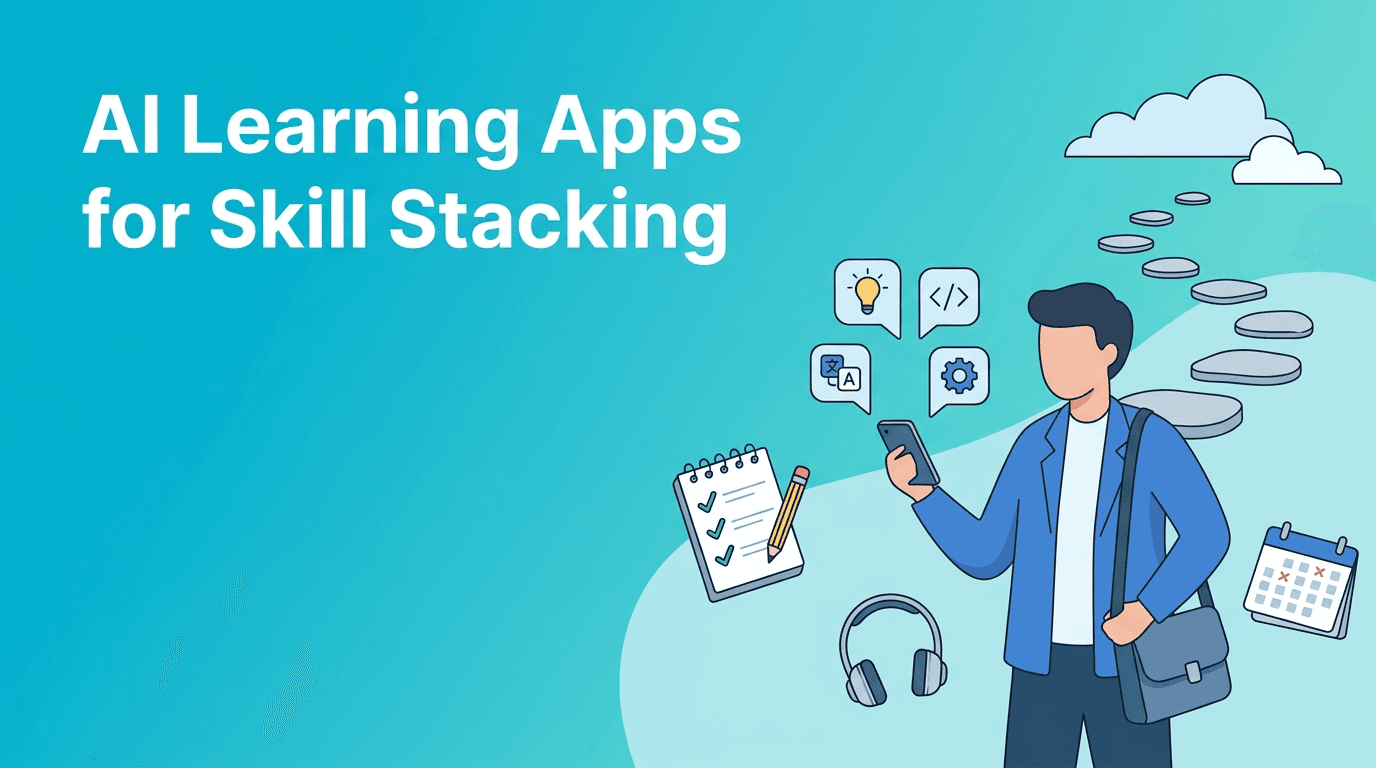
AI learning apps are changing how personal growth fits into real life. Instead of chasing massive study plans, you can use short, guided sessions to build skills during ordinary moments, like a commute, lunch break, or the 10 minutes before bed. If you want app recommendations that support learning without turning your phone into another source of noise, this approach is worth a closer look.
Why skill stacking beats random self-improvement
A lot of people download productivity or education apps with good intentions, then quit because the plan is too broad. Skill stacking works differently. You pick a few complementary abilities, like writing plus research, or budgeting plus decision-making, and improve them gradually. The best AI learning apps support this by personalizing practice, adjusting difficulty, and helping you revisit what matters.
- Choose 1 primary skill you want to grow over the next 30 days
- Add 1 supporting skill that makes the first one more useful
- Use one app for structured learning and one for daily reinforcement
- Review progress weekly so your digital tools stay intentional, not distracting
What to look for in AI learning apps
Not every smart-looking app is actually helpful. Some are just content feeds with a thin AI layer. The most effective AI tools for learning usually share a few traits: they personalize the next step, reduce friction, and keep you focused on outcomes rather than endless browsing.
Features that actually help
- Adaptive guidance that changes based on your pace and goals
- Short lesson formats for microlearning instead of overwhelming courses
- Active recall or reflection prompts that make lessons stick
- Progress tracking so you can see momentum over time
- Reminders and streaks that encourage consistency without guilt
"Technology helps most when it reduces friction between intention and action."
That is the real filter for evaluating AI learning apps. If an app makes it easier to start, continue, and reflect, it is probably useful. If it keeps you scrolling without helping you practice, it is probably entertainment dressed up as growth.
A digital minimalism approach to learning apps
There is a common fear that adding more apps just increases screen time. Sometimes that is true. But digital minimalism is not about rejecting technology. It is about choosing a small number of tools that serve a clear purpose. In practice, that means replacing low-value phone habits with high-value routines.
- Remove apps that create default distraction during your usual dead time
- Keep your learning setup to 2 or 3 core apps at most
- Turn off nonessential notifications so the app works on your schedule
- Use widgets, saved sessions, or home screen placement to make good choices easier
- Track whether your screen time is becoming more intentional, not just lower
App recommendations by learning style
The best app recommendations depend on how you learn. Some people need structure. Others need coaching, habit support, or quick repetition. Here is a practical way to match tools to your style.
If you learn best through guided coaching
Haply is worth considering if your learning goals connect to broader self-improvement. It is an AI life coaching app on iOS and Android with specialized coaches for areas like Learning, Productivity, Career, and Creativity. Instead of only delivering content, it helps you turn goals into daily action through chat-based coaching, streaks, reminders, and mini-apps like a Focus Timer and Task Planner.
If you prefer bite-sized lessons
Look for apps built around microlearning. These work well for language practice, memory drills, and foundational concepts. They are especially useful when you want to convert short idle moments into progress without opening social media.
If you need hands-on practice
Choose platforms that push you toward output, not just input. For example, writing apps that critique drafts, coding apps that check solutions, or speaking apps that analyze pronunciation can make AI tools feel more like practice partners than content libraries.
Want a coaching app that turns plans into daily action?
Try Haply for personalized AI coaching, habit tracking, reminders, and focused mini-tools that make self-growth easier to sustain.
Try Haply FreeHow to reduce screen time while using learning technology
This sounds contradictory, but it is possible. The goal is not zero phone use. The goal is better phone use. A 15-minute session in one of the right AI learning apps can be more valuable than an hour of passive scrolling.
- Set a specific purpose before opening the app
- Use a timer for 10 to 20 minutes to avoid drifting
- End each session by writing one takeaway or one next action
- Schedule learning during moments when you usually default to distraction
- Review weekly whether the app is helping your goals or just filling time
What this says about the future of technology
The future of technology in personal development is probably not more content. It is better guidance. We are moving from static apps toward systems that respond to behavior, goals, energy, and context. That shift could make self-improvement more realistic for busy people, especially when apps stop acting like endless feeds and start acting like supportive coaches.
The most promising direction is not AI replacing effort. It is AI helping people use effort more wisely. That means better prompts, better timing, and better personalization. In that future, the best tools will not just tell you what to learn. They will help you keep going when motivation fades.
A simple 7-day skill stacking experiment
If you want to test this idea, keep it simple. For the next week, choose one learning goal and use one of the better AI learning apps for a short daily session. Track how often you follow through, how focused you feel, and whether your screen time becomes more intentional.
- Day 1: Define your main skill goal
- Day 2: Pick one app and remove one distraction app from your home screen
- Day 3: Complete a 10-minute session
- Day 4: Repeat and note what helped you start quickly
- Day 5: Use the app to practice, not just consume
- Day 6: Review progress and adjust reminders or timing
- Day 7: Decide whether the tool deserves a permanent place on your phone
Frequently Asked Questions
What are AI learning apps?
AI learning apps use personalized prompts, adaptive lessons, and feedback to help you learn more effectively. They often adjust to your goals, pace, and habits.
Can AI learning apps reduce screen time?
Yes, if they replace passive scrolling with short, intentional sessions. The key is using them with a clear goal and limited time window.
How do I choose the best AI tools for personal growth?
Look for tools with personalization, progress tracking, reminders, and practical actions. The best option depends on whether you want coaching, lessons, or hands-on practice.
Is digital minimalism against using apps for self-improvement?
No. Digital minimalism encourages using fewer, more purposeful tools. A small set of high-value apps can support growth without adding noise.
What does the future of technology mean for learning?
It likely means more adaptive and personalized support. Instead of just offering information, apps will increasingly guide action, reflection, and consistency.