Context Switching: The Remote Work Habit That Steals Your Best Hours
Context switching quietly drains focus during remote work, freelancer productivity, and student productivity. Learn how to reduce it with practical systems and study tips.

By Haply Team
Haply Editorial Team
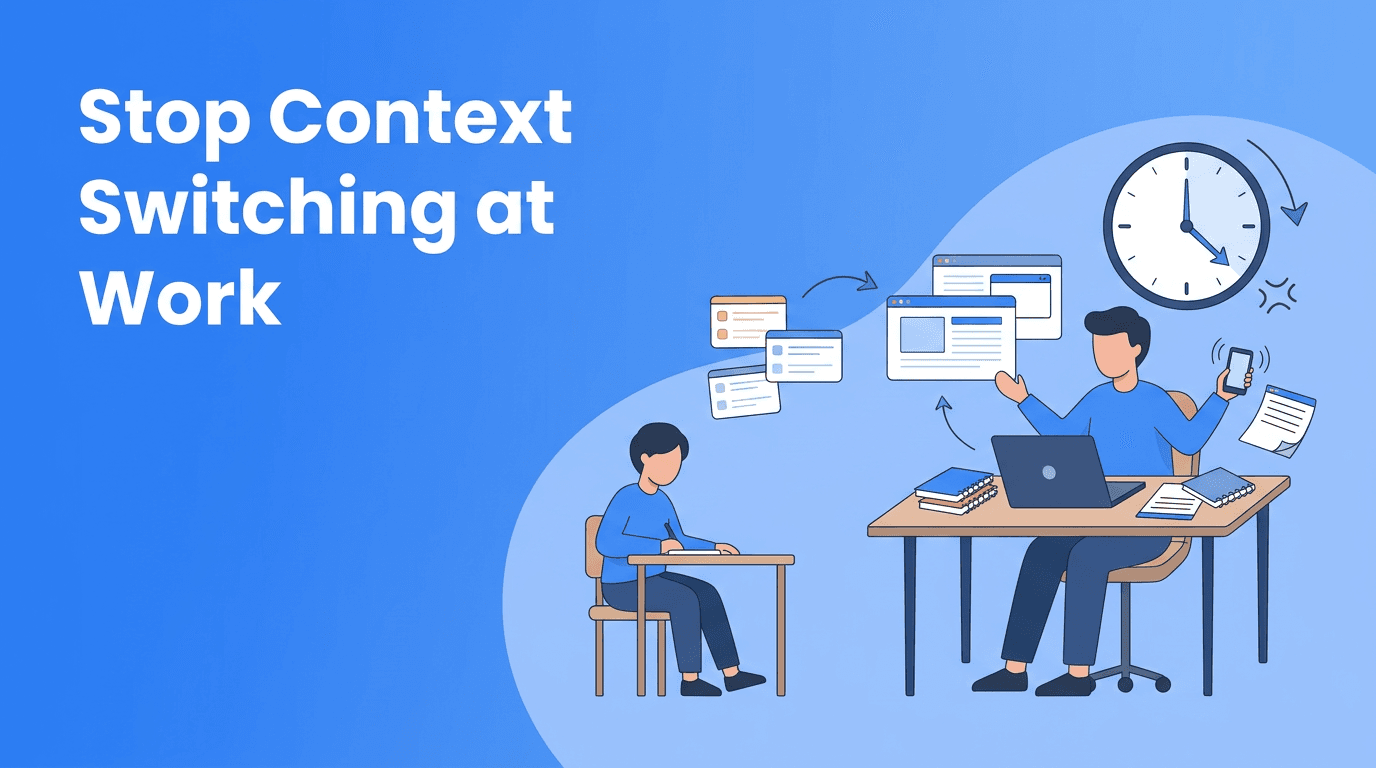
Context switching is one of the fastest ways to lose momentum in remote work, study sessions, and solo projects. If your day feels busy but strangely unproductive, the issue may not be laziness or poor planning. It may be the constant mental jump between messages, tabs, tasks, and priorities.
For remote workers, freelancers, and students, this habit is especially expensive because there is often no external structure protecting attention. You are the manager, the executor, and the person deciding what matters next. That freedom is useful, but it also makes frequent switching feel normal.
"Your brain does not restart instantly. Every switch has a hidden cost."
Why context switching feels productive, but is not
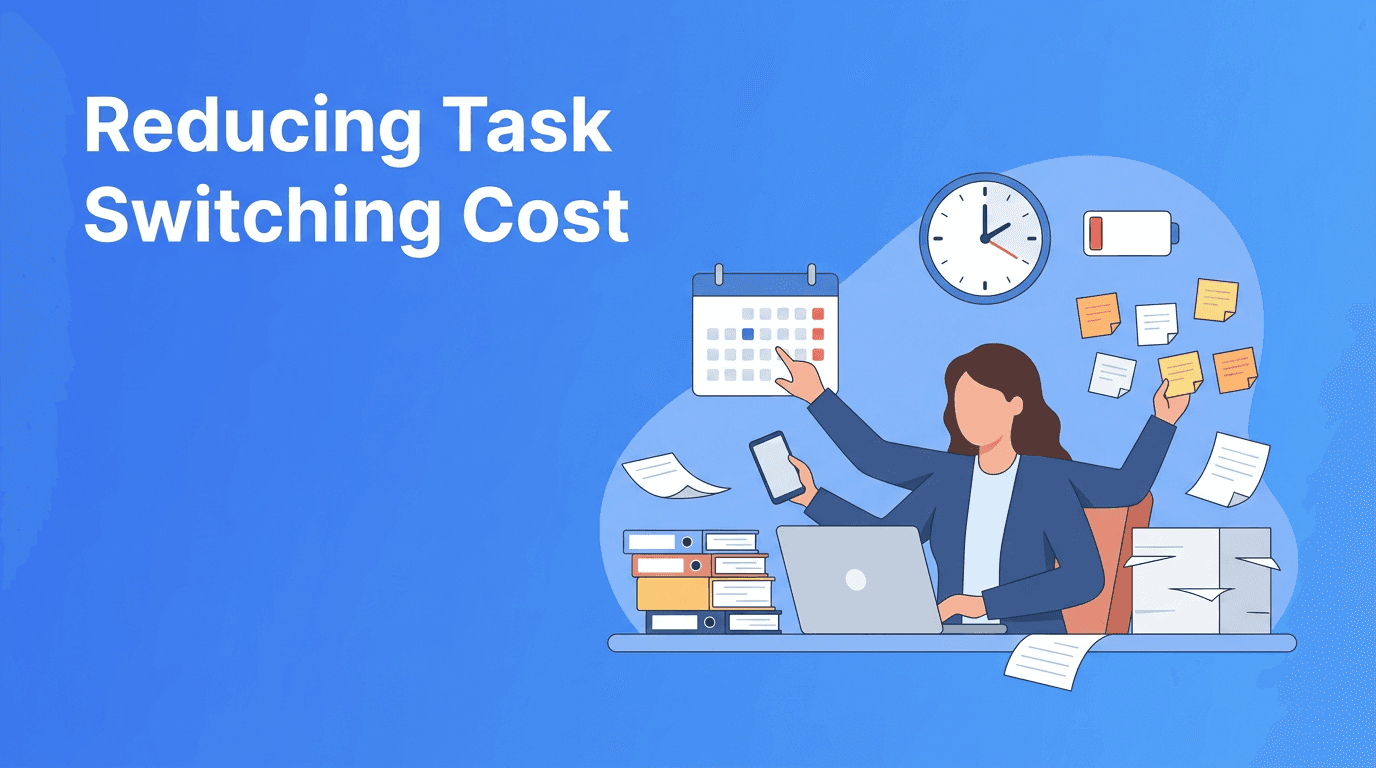
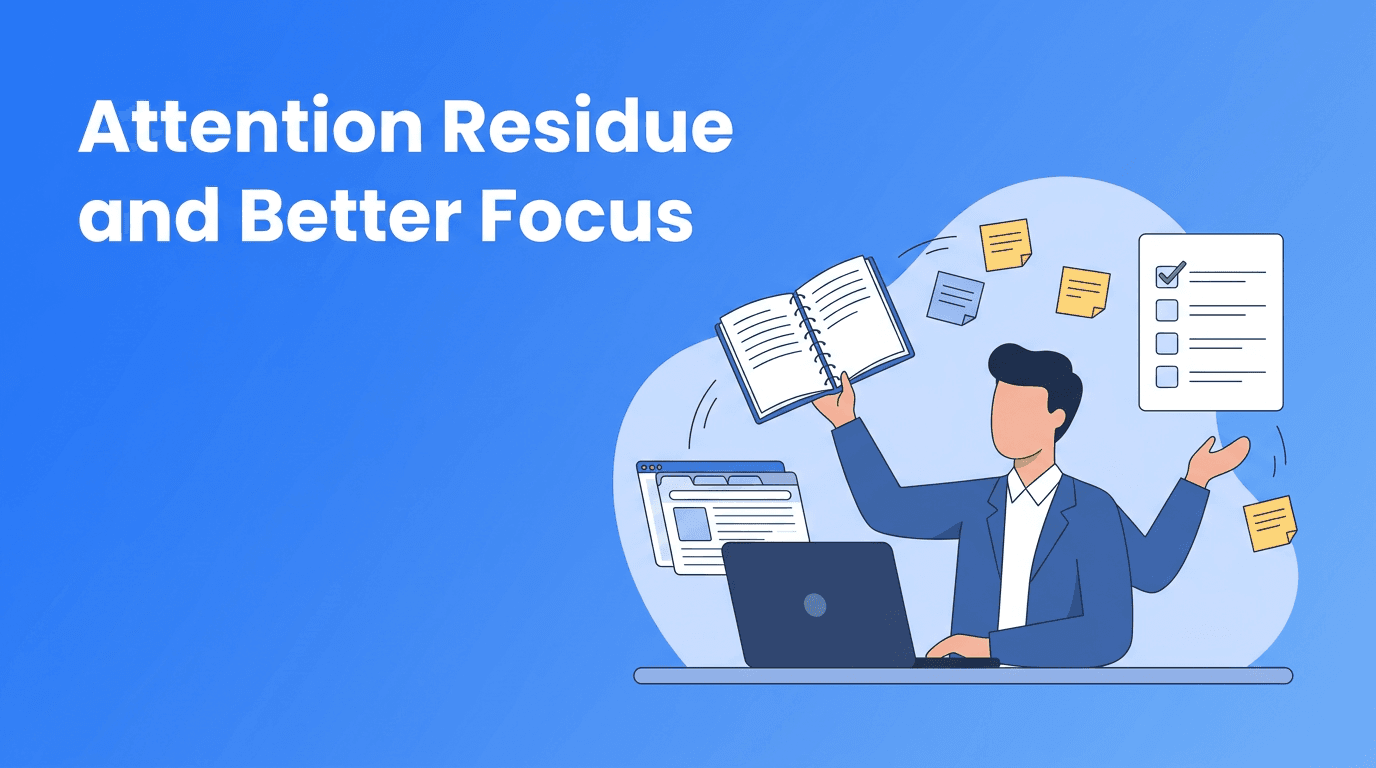
Switching tasks can create the illusion of progress. You answer an email, check a document, reply to a message, open a class portal, and adjust a to-do list. You are active all day, yet your most important work barely moves. That is because activity is not the same as progress.
- Every switch forces your brain to reload information
- Small interruptions break the rhythm needed for deep work
- Easy tasks become a form of avoidance when harder work feels uncomfortable
- Frequent checking makes it harder to return to the original task quickly
How context switching shows up in remote work and study
For remote work
In remote work, context switching often comes from chat apps, email, meetings, and self-directed task lists. Without clear boundaries, your day can become a series of reactions instead of focused sessions.
For freelancer productivity
For freelancers, the problem is even bigger. Client communication, admin work, creative output, proposals, invoicing, and marketing all compete for attention. Strong freelancer productivity depends on reducing unnecessary switching between these modes.
For student productivity
In student productivity, context switching often looks like studying while checking messages, jumping between subjects without a plan, or mixing research with entertainment. Many popular study tips focus on motivation, but fewer address the cost of mental switching.
A simple 4-step system to reduce context switching
1. Group tasks by mental mode
Instead of organizing your day only by deadline, organize it by type of thinking. Put writing tasks together, admin tasks together, reading tasks together, and communication tasks together. This reduces the restart time between tasks.
2. Create message windows
Do not stay available all day. Pick two or three times to check email and chat. In remote work, constant availability often looks responsible, but it usually lowers the quality of your real work.
3. Use a restart note
Before leaving a task, write one line about what comes next. For example: "Next, summarize the second article and compare the results section." This makes it easier to resume after an interruption.
4. Protect one daily focus block
Choose one 45 to 90 minute block each day for high-value work. During that window, close extra tabs, silence notifications, and work on only one defined outcome. This is one of the most effective study tips and work habits because it trains consistency.
Build a focus system with Haply
Haply helps you reduce context switching with chat-based Productivity coaching, a Focus Timer, Task Planner, streaks, and daily reminders. It is a practical way to stay consistent in remote work or study routines.
Try Haply FreeWhat to do when you cannot avoid interruptions
Some switching is unavoidable. Clients reply, classmates message, and urgent requests happen. The goal is not perfection. The goal is to make interruptions smaller and recovery faster.
- Keep a short capture list for random thoughts so you do not chase them immediately
- Leave one tab open for the current task and close the rest
- Use headphones or a small ritual to mark the return to focus
- After an interruption, spend 30 seconds reviewing your restart note before continuing
A realistic weekly workflow for better focus
Try assigning themes to parts of your week. For example, Monday morning for planning, afternoons for meetings, two mornings for deep project work, and one block for admin. This works well for freelancer productivity, remote work, and student productivity because it limits unnecessary mental gear changes.
If you want extra support, Haply is an AI life coaching app on iOS and Android with specialized coaches for Productivity, Learning, Wellness, and more. Its Today Dashboard, goal-based onboarding, and mini-tools can help turn good intentions into repeatable routines.
The bottom line on context switching
Context switching is not a small annoyance. It is a daily leak in attention that affects output, stress, and satisfaction. If you work or study on your own schedule, learning to reduce switches can improve both performance and peace of mind.
Start small. Protect one focus block, batch communication, and leave restart notes. Those simple changes can create a visible improvement in remote work, freelancer productivity, and student productivity within a few days.
Frequently Asked Questions
What is context switching in productivity?
Context switching is the mental shift between tasks, tools, or topics. It slows focus because your brain needs time to reorient each time you change what you are doing.
How can I reduce context switching while working remotely?
Batch messages, group similar tasks, and schedule at least one uninterrupted focus block daily. A simple task planner and notification limits can also help.
Why does context switching hurt student productivity?
It interrupts concentration and makes studying feel longer and harder. Students lose time when they switch between subjects, apps, and distractions without a plan.
What are the best study tips for avoiding distractions?
Study one subject at a time, define a clear goal for each session, keep a restart note, and check messages only during breaks. These habits reduce unnecessary switching.