Implementation Intentions: The Missing Link in Productivity Systems
Implementation intentions can strengthen productivity systems by turning vague goals into clear actions. Learn how to use them with habits, scheduling, prioritization, and efficiency in daily work.

By Haply Team
Haply Editorial Team
Most productivity systems fail for a simple reason: people decide what they want to do, but not when, where, or how they will begin. That is where implementation intentions become useful. This method helps you connect goals to specific cues, so your habits, scheduling, prioritization, and overall efficiency become easier to manage in real life.
Why implementation intentions work inside productivity systems
An implementation intention is a simple if-then plan. Instead of saying, "I will work on my report," you say, "If it is 9:00 AM and I open my laptop, then I will spend 25 minutes drafting the first section." This small shift reduces friction and makes action more automatic.
For people building productivity systems, this matters because daily performance is often lost in the gap between intention and execution. You may have a planner, a task app, and good goals, but if your next action is not tied to a reliable trigger, procrastination can still win.
"You do not rise to the level of your goals. You fall to the level of your systems."
What makes this method different from a to-do list
A to-do list stores commitments. Implementation intentions create a launch sequence. They answer the exact moment of action, which makes them especially powerful for people who struggle with starting, switching into focus mode, or maintaining consistent habits.
- Goal: Finish a presentation
- To-do list version: Work on slides
- Implementation intention version: If I finish lunch at 1:00 PM, then I will outline three slides before checking messages again
- Result: The action becomes concrete, time-bound, and easier to start
How to use implementation intentions for habits and scheduling
The best implementation intentions are specific, realistic, and linked to an existing cue. That cue can be time, location, a prior action, or even a recurring event. This makes the method ideal for both personal habits and professional scheduling.
Use these four building blocks
- Cue: Choose a trigger you can notice, such as a time, place, or event
- Action: Define one small task, not a vague project
- Duration: Decide how long you will work, even if it is just 10 to 25 minutes
- Backup plan: Add a second if-then statement for common obstacles
Example: "If I sit down for my first work block, then I will spend 15 minutes on my highest-priority task before opening chat." A backup version might be, "If I get interrupted, then I will restart with a 5-minute timer instead of waiting for a perfect window."
A practical prioritization system using if-then planning
One underrated benefit of implementation intentions is better prioritization. Instead of reviewing ten tasks and debating what matters, you can pre-decide which task gets attention under specific conditions. That lowers mental friction and improves efficiency.
- If it is the first hour of my workday, then I will do one task that requires deep thinking
- If I only have 15 minutes, then I will handle one admin task
- If my energy drops after 3:00 PM, then I will switch to review, editing, or follow-up work
- If a new request arrives, then I will compare it to my top three priorities before saying yes
This approach turns prioritization from a daily debate into a repeatable rule set. Over time, that creates calmer and more consistent productivity systems.
Common mistakes that reduce efficiency
- Being too vague: "Work on project" is weaker than "Draft the opening paragraph"
- Choosing unstable cues: A trigger like "when I feel motivated" is unreliable
- Planning too much at once: Start with one or two high-impact if-then plans
- Ignoring obstacles: Build a backup response for interruptions, low energy, or unexpected meetings
- Forgetting review: Update your plans weekly so your scheduling still matches reality
If you want more efficiency, make your plans smaller and more visible. Put them in your calendar, task manager, or on a sticky note near your workspace. The simpler the cue, the more likely the habit will stick.
Build your system with Haply
Want help turning goals into daily action? Haply is an AI life coaching app for iOS and Android with Productivity coaches, a Task Planner, Focus Timer, habit tracking, and personalized guidance that helps you follow through.
Try Haply FreeA 5-minute weekly reset for stronger implementation intentions
You do not need a complicated planning ritual. A short weekly review is enough to keep implementation intentions relevant and useful.
- Step 1: Choose your top three priorities for the week
- Step 2: Turn each one into a clear if-then plan
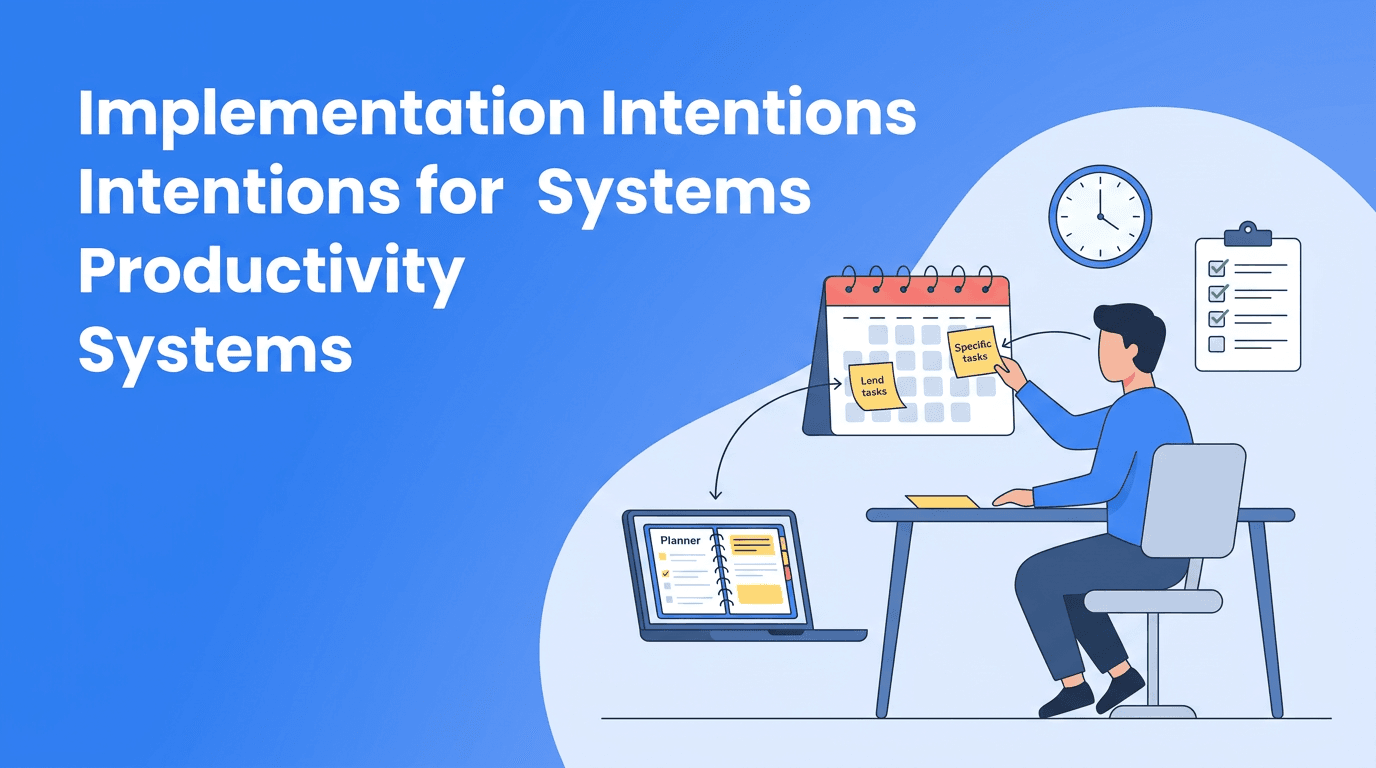
- Step 3: Add each plan to your calendar or task system
- Step 4: Write one backup plan for likely disruptions
- Step 5: At the end of the week, keep what worked and revise what did not
This reset supports better habits without creating planning overload. It also works well with digital tools. For example, Haply's Today Dashboard, reminders, and streak-based habit tracker can help reinforce the cues that keep your plans visible.
Final takeaway
If your goals often stay trapped in good intentions, try making them executable. Implementation intentions are one of the simplest ways to improve habits, scheduling, prioritization, and efficiency without rebuilding your entire workflow. When you decide in advance what you will do in a specific moment, action becomes easier, and your productivity systems become more reliable.
Frequently Asked Questions
What are implementation intentions in productivity?
Implementation intentions are if-then plans that connect a specific situation to a specific action. They help you start tasks more consistently and reduce procrastination.
How do implementation intentions help with habits?
They make habits easier to repeat by linking behavior to a clear cue such as time, place, or a previous action. This reduces the need to rely on motivation alone.
Can implementation intentions improve prioritization?
Yes. They let you pre-decide what to do under certain conditions, which reduces daily decision-making and helps important work happen first.
What is an example of an implementation intention?
A simple example is, "If I finish breakfast, then I will review my top task for 10 minutes before checking email." The cue and action are both specific.
How can I use implementation intentions with a planning app?
Add your if-then plans to your calendar, reminders, or task manager so the cue is visible. Apps like Haply can support this with planning tools, reminders, and habit tracking.