Weekly Planning Rituals: A Productivity Systems Guide for Calmer, Smarter Work
A practical guide to productivity systems that turns weekly planning into a repeatable ritual. Learn how habits, scheduling, prioritization, and efficiency work together.

By Haply Team
Haply Editorial Team
The easiest way to make productivity systems stick is not to chase a perfect routine. It is to build a simple weekly ritual that connects your habits, scheduling, prioritization, and efficiency into one repeatable process. When your week starts with clarity, daily decisions become lighter and follow-through becomes more realistic.
Why weekly rituals beat daily improvisation
Many people try to fix productivity by reacting faster, working longer, or downloading more tools. The real problem is often the lack of a reliable structure. A weekly ritual gives your brain a stable checkpoint to review commitments, reset priorities, and decide what matters before the week gets noisy.
- Habits become easier because you tie them to the same planning moment every week.
- Scheduling improves because you assign work before your calendar fills up.
- Prioritization gets clearer because you compare tasks against goals, not mood.
- Efficiency rises because you reduce re-deciding the same things every day.
"You do not need a more intense week. You need a more intentional one."
The 30-minute productivity systems reset
A strong weekly reset does not need to be complicated. In fact, the best productivity systems are usually boring in a good way. They are simple enough to repeat when life gets busy. Set aside 30 minutes at the same time each week, such as Sunday evening or Monday morning.
Step 1: Review what is already on your plate
Open your calendar, task list, notes, and inbox. Look for unfinished work, upcoming deadlines, meetings, and personal obligations. This step prevents hidden commitments from sabotaging your schedule later.
Step 2: Choose three weekly outcomes
Instead of making a giant task dump, define three outcomes you want by the end of the week. Outcomes are better than vague intentions. For example, write "submit project proposal" instead of "work on proposal." This improves prioritization immediately.
Step 3: Turn outcomes into scheduled work
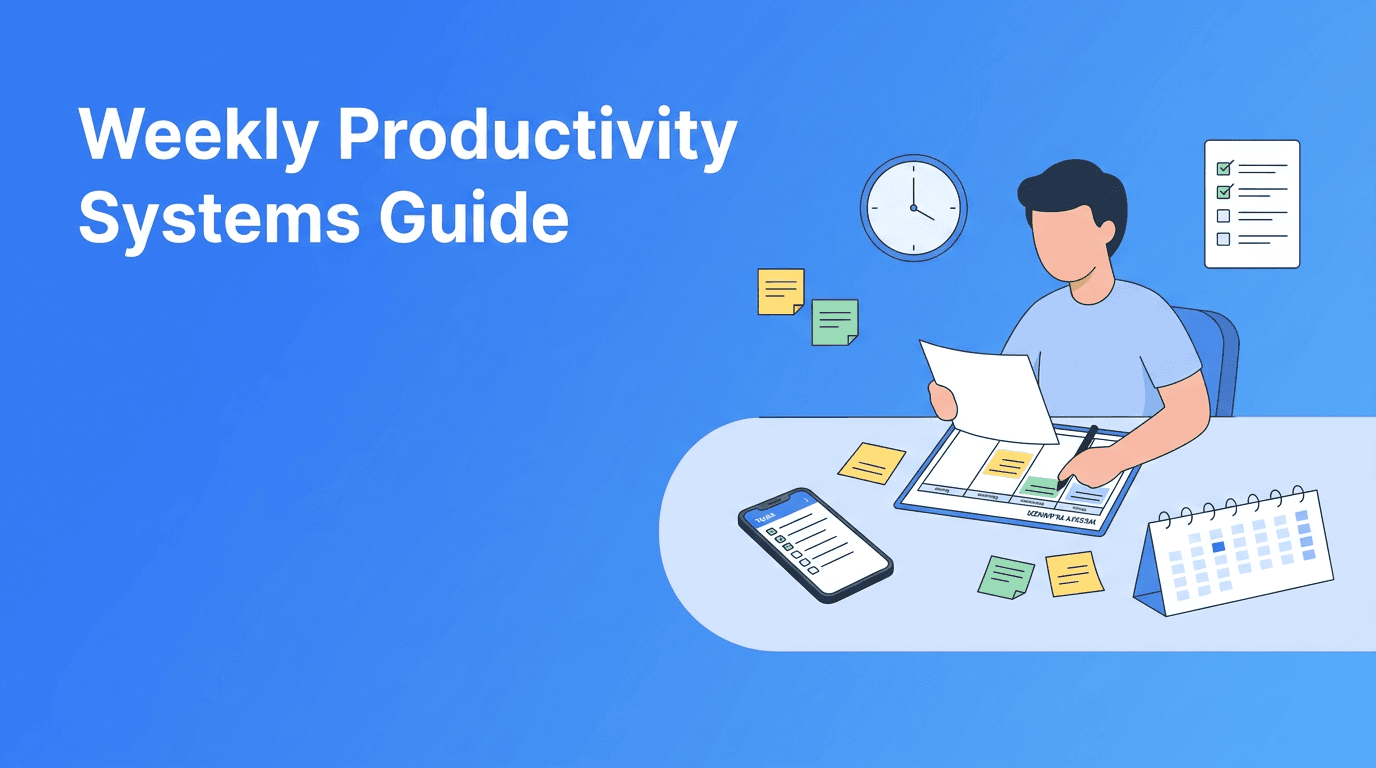
This is where scheduling becomes practical. Break each outcome into the next visible actions and place them on your calendar. If a task matters, give it a time and a home. Unsheduled priorities often turn into postponed priorities.
Step 4: Add support habits
Your week runs better when small habits support big goals. Add one or two anchor habits that protect your focus, such as a 10-minute daily planning check-in, a morning Focus Timer session, or an end-of-day shutdown note.
How to prioritize without overcomplicating it
A useful rule is to separate tasks into four groups: must do, should do, could do, and should not do now. This keeps prioritization realistic. Your list is not supposed to describe everything you could do. It should guide what you will do next.
- Must do: High-impact work with real deadlines or consequences.
- Should do: Important work that moves goals forward but is less urgent.
- Could do: Nice-to-have tasks that fit if time remains.
- Should not do now: Low-value work, distracting admin, or ideas for later.
This approach also improves efficiency because it stops low-value tasks from stealing prime attention. The goal is not to become a machine. The goal is to use your best hours on your best work.
Make your system easier with the right tools
Tools should support behavior, not replace it. If you want help keeping your weekly ritual consistent, Haply can make the process easier. The app offers chat-based AI coaching on productivity, a Task Planner for organizing priorities, a Focus Timer for protected work sessions, and habit tracking with streaks and reminders. That combination is especially helpful when you are trying to turn planning into repeatable action.
Want a simpler planning routine?
Use Haply's AI productivity coaching, Task Planner, Focus Timer, and habit tracking to build a weekly system you can actually follow.
Try Haply FreeA low-friction tool stack for better efficiency
- Use a calendar for appointments and focused work blocks.
- Use a task list for next actions, not every idea in your head.
- Use a habit tracker for recurring behaviors that keep the system running.
- Use a short weekly review note to capture lessons and adjustments.
Common mistakes that break productivity systems
- Making a plan with no time blocks for actual execution.
- Tracking too many habits at once.
- Confusing urgency with importance.
- Using one giant to-do list without categories.
- Skipping the weekly review because the previous week felt messy.
Messy weeks are exactly when productivity systems matter most. If you miss a ritual, do not treat it as failure. Treat it as a reset point. The system works when you return to it quickly, not when you perform it perfectly.
A practical weekly template to try
- 5 minutes: Review calendar, deadlines, and carryover tasks.
- 5 minutes: Choose three weekly outcomes.
- 10 minutes: Break outcomes into next actions.
- 5 minutes: Schedule key work blocks.
- 5 minutes: Decide the support habits for the week.
If you keep this template visible for a month, your planning will feel less emotional and more dependable. That is the real power of productivity systems. They reduce friction, protect attention, and make progress easier to repeat.
Frequently Asked Questions
What are productivity systems?
Productivity systems are repeatable methods for organizing tasks, time, and habits so work gets done more consistently. They help reduce decision fatigue and improve follow-through.
How do I build a simple weekly planning system?
Start with a 30-minute weekly review. Check commitments, choose three outcomes, break them into actions, and schedule the most important work on your calendar.
How can I improve prioritization at work?
Use simple categories like must do, should do, could do, and not now. This helps you focus on high-impact tasks instead of reacting to everything.
What habits improve productivity and efficiency?
Helpful habits include a daily planning check-in, a focused work session, and an end-of-day review. Small routines keep your system running even during busy weeks.