Calendar Buffers for Remote Work: A Practical Focus System for Busy Days
Calendar buffers can quietly improve remote work, freelancer productivity, and student productivity by creating breathing room between tasks. Learn a simple system you can start today.


By Haply Team
Haply Editorial Team
Calendar buffers are one of the simplest ways to make remote work feel less chaotic. If your day is packed back-to-back, small gaps between tasks can improve focus, reduce stress, and support freelancer productivity and student productivity without requiring a full schedule overhaul.
Why calendar buffers work better than a packed schedule
Most people do not struggle because they lack ambition. They struggle because their schedule assumes every task starts and ends perfectly on time. In real life, meetings run long, messages interrupt your plan, and your brain needs a minute to reset before moving into something new. Calendar buffers solve this by adding intentional space.
- A 5-10 minute gap helps you wrap up notes and decide the next step.
- A transition break reduces mental friction when switching from meetings to focused work.
- Small buffers make delays less destructive, so one problem does not ruin your whole day.
- Students and freelancers can use the same idea between classes, calls, study blocks, and admin work.
"A productive schedule is not one that is full. It is one that still works when real life happens."
How calendar buffers help remote work and study tips
For people managing their own time, empty space on a calendar can feel unproductive. But that is often what protects your best work. In remote work, buffers create room for async updates, quick admin, and recovery after meetings. As study tips go, this is especially useful for students who need a few minutes to review notes, stand up, or prepare for the next subject.
What buffers prevent
- Meeting spillover that eats into your focus block
- Late starts caused by rushing from one task to the next
- Decision stress when you finish one item and have no plan for the next
- Burnout patterns created by treating every hour like a sprint
A simple calendar buffer method you can use today
You do not need a complicated productivity system. Start with three types of buffers and keep them consistent for one week.
- Micro buffer - 5 minutes: Use this after short calls, study sessions, or email checks. Close tabs, write one note, and reset.
- Standard buffer - 10 to 15 minutes: Use this between meetings and any task that requires concentration.
- Recovery buffer - 20 to 30 minutes: Use this after intense collaboration, long classes, or mentally heavy client work.
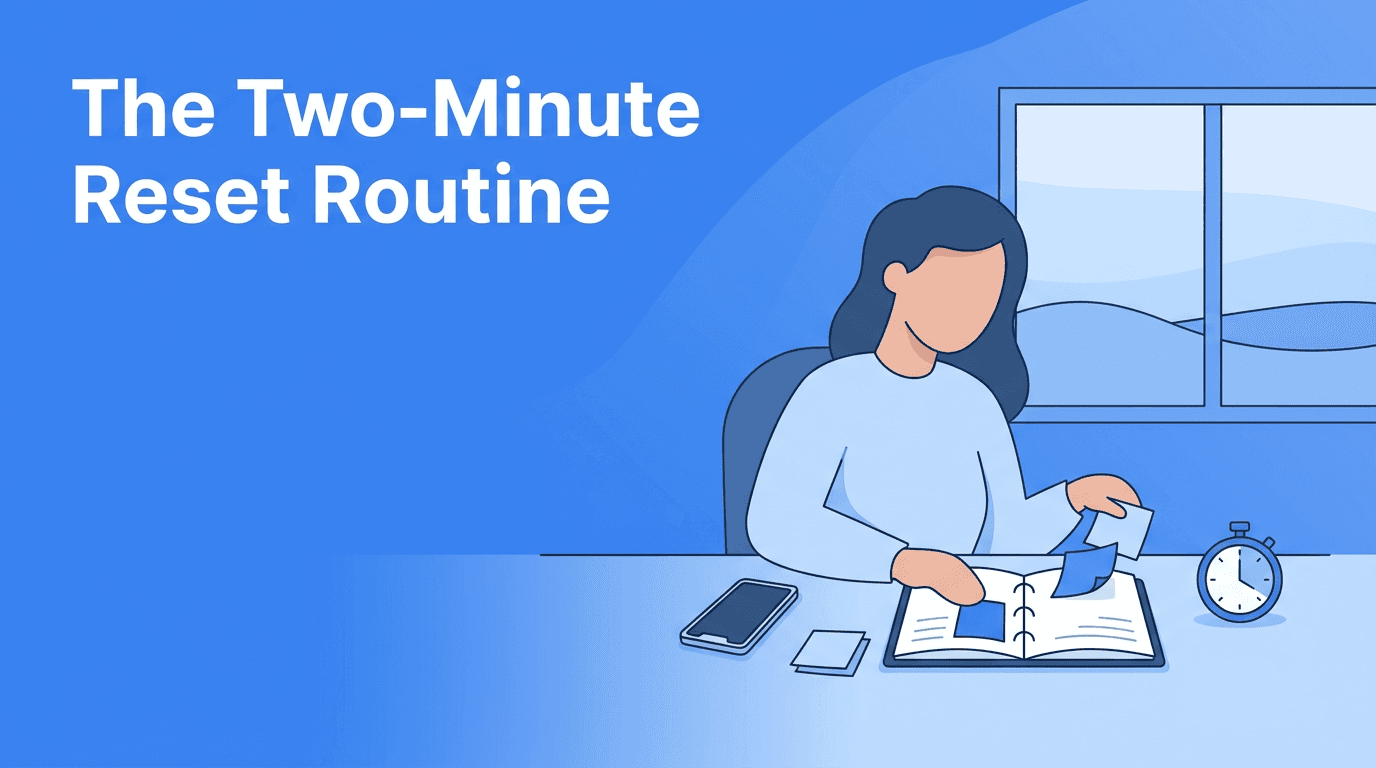
What to do during a buffer
- Write a one-line summary of what you just finished
- Choose the first step for the next task
- Refill water or stretch to reset your attention
- Check messages once instead of constantly during deep work
- Update your task list so nothing stays in your head
Examples for freelancers, students, and remote workers
The best systems are flexible. Here is how calendar buffers can support different kinds of self-managed schedules.
For freelancers
Add a 15-minute buffer after client calls for notes, follow-up emails, and scope clarity. This protects freelancer productivity because you stop carrying unfinished details into creative work.
For students
Place a 10-minute gap between study blocks. Use it to review key points, stand up, and set a goal for the next session. This is one of the most realistic study tips for improving student productivity over long days.
For remote workers
Block 10 minutes before and after major meetings. Before the meeting, write your top question. After it, capture action items. In remote work, this reduces confusion and prevents your afternoon from disappearing into reactive tasks.
Build your buffer habit with Haply
Haply helps you turn scheduling ideas into action with an AI Productivity coach, a Task Planner, a Focus Timer, habit streaks, and a personalized Today Dashboard. It is a practical way to make calendar buffers stick.
Try Haply FreeHow to make calendar buffers stick
- Rename the block so it feels purposeful, like 'meeting notes' or 'reset window'.
- Protect buffers like real appointments instead of treating them as optional.
- Keep one default length for most transitions to reduce planning effort.
- Review your week and notice where delays usually happen.
- Use tools carefully so reminders support you without adding noise.
If you want extra accountability, use Haply on iOS or Android to set daily reminders, track consistency, and check in with an AI coach when your schedule starts slipping. Its goal-based onboarding and mini-tools can help you create a routine that fits your workload instead of copying someone else's system.
Frequently Asked Questions
What are calendar buffers?
Calendar buffers are short planned gaps between tasks, meetings, or study sessions. They help you reset, capture notes, and prepare for what comes next.
How do calendar buffers improve remote work productivity?
They reduce back-to-back overload, protect focus time, and give you space to handle small delays before they disrupt the rest of your day.
Are calendar buffers useful for students?
Yes. Students can use them between classes or study blocks to review notes, take a short break, and start the next session with more focus.
How long should a calendar buffer be?
A good starting point is 5 minutes for light transitions, 10 to 15 minutes between meetings, and 20 to 30 minutes after intense work.