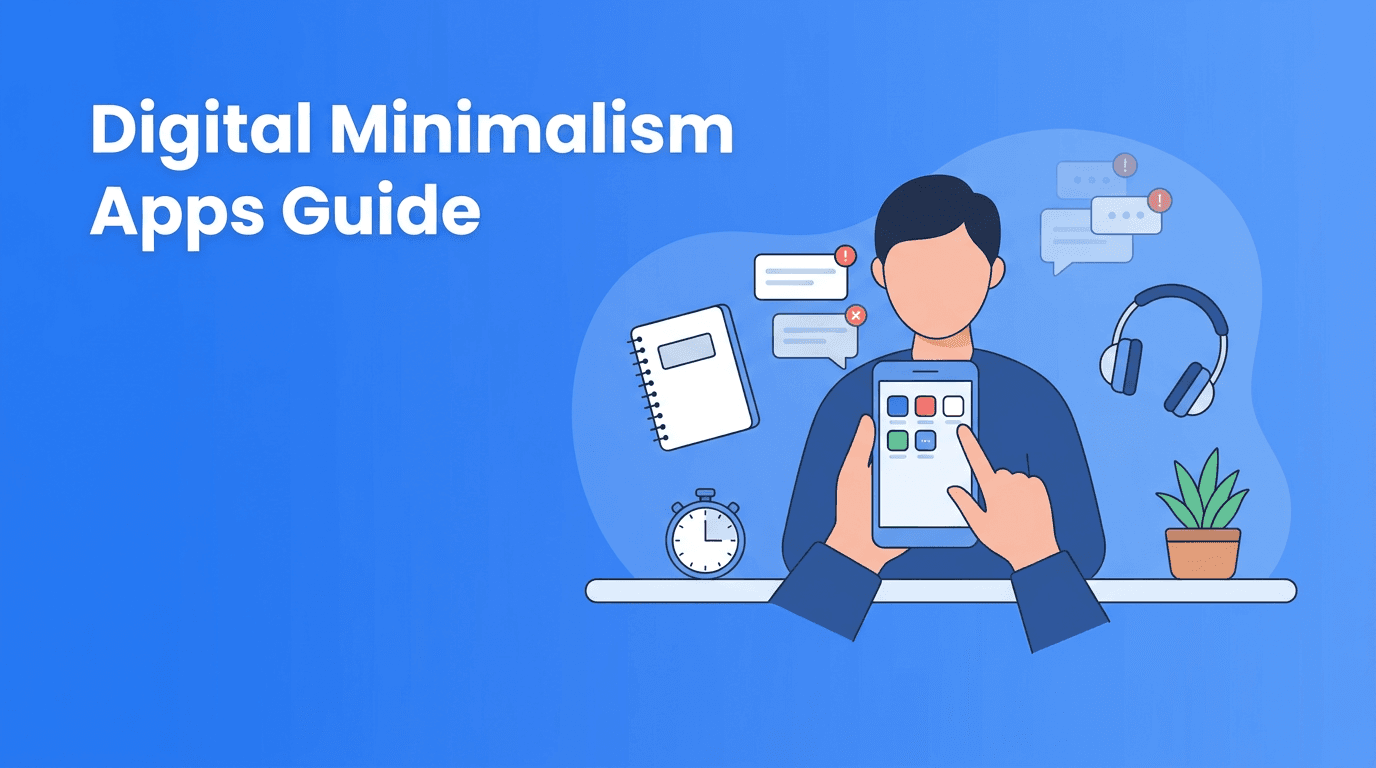
Digital Minimalism Apps: How to Build a Lower-Noise Phone Without Losing Useful AI Tools
Digital minimalism apps can help you cut distraction without deleting everything. Learn how to choose useful AI tools, productivity apps, and self-improvement apps that support calmer, more intentional phone use.

By Haply Team
Haply Editorial Team
Digital minimalism apps are not about rejecting technology. They are about using digital tools with more intention, keeping what is useful and removing what quietly drains attention. For people comparing the best apps, AI tools, productivity apps, and self-improvement apps, the real question is not how many apps you have, but whether your phone supports the life you want to build.
Why digital minimalism is becoming an app selection strategy
Many people try to improve focus by relying on willpower alone. That usually fails because phones are designed to compete for attention. A better approach is to treat your device like an environment. When that environment is overloaded with feeds, alerts, and frictionless distractions, even good habits become harder to maintain.
This is why digital minimalism apps matter. The right setup can lower cognitive noise, protect time, and make room for higher-value behaviors like planning, reflection, learning, movement, and rest.
"Technology should be a tool in your hand, not a habit that runs your day."
What to keep, what to remove, and what to replace
Keep apps that reduce friction for meaningful actions
Useful apps usually do one of three things well: they help you decide, act, or recover. Decision tools include calendars, planners, and budgeting apps. Action tools include timers, habit trackers, and task managers. Recovery tools include meditation, sleep, and journaling support.
Remove apps that create automatic checking loops
Some apps are not harmful because of their category, but because of their design. Infinite feeds, streak pressure without purpose, and constant notifications can turn a useful phone into a reactive one. If an app creates urgency without clear value, it may not deserve a place on your home screen.
- Audit your home screen and keep only daily essentials visible
- Turn off non-human notifications such as promos, badges, and algorithmic alerts
- Replace entertainment defaults with slower alternatives like reading, breathing, or focused audio
- Group optional apps into one folder so they require deliberate access
- Use AI tools selectively only where personalization clearly saves time or mental effort
A practical stack of digital minimalism apps
If you are researching the best apps for intentional tech use, it helps to build a small stack rather than download a dozen overlapping products. A lean setup often works better than a feature-heavy one.
1. A planning app that clarifies priorities
Among productivity apps, the best options reduce decision fatigue. Look for a tool that helps you see your day at a glance, capture tasks quickly, and limit what matters now. Too many advanced features can become another form of distraction.
2. A habit app that supports consistency, not guilt
Many self-improvement apps overemphasize streaks. Streaks can be motivating, but they should support identity change, not shame. Choose a tracker that makes missed days easy to recover from and encourages small wins.
3. One AI coach instead of five separate apps
A growing number of AI tools can help with reflection, planning, wellness, and motivation. The minimalist choice is often one flexible app that covers multiple needs instead of several specialized apps competing for your attention. Haply is one example. It offers AI life coaching on iOS and Android across areas like Productivity, Wellness, Career, Learning, Finance, Creativity, and Relationships, plus practical mini-apps such as a Focus Timer, Task Planner, Meditation/Breathe, Sleep Stories, Budget Tracker, and Idea Board. That kind of consolidation can reduce app clutter while keeping support available.
Try a lighter self-improvement stack
If you want fewer apps but more support, Haply combines chat-based AI coaching, habits, and mini-tools in one place. It is a practical option for people simplifying their phones without losing momentum.
Try Haply FreeHow to evaluate AI tools without adding more noise
Not all AI tools improve your life equally. Some create novelty but little follow-through. Others reduce friction in a way that actually changes behavior. The difference usually comes down to context, timing, and actionability.
- Choose AI tools that give specific next steps, not generic inspiration
- Prefer apps with daily context, such as dashboards, reminders, or habit history
- Look for features that connect insight to action, like coaching plus a timer or planner
- Avoid downloading multiple apps that solve the same problem in slightly different ways
- Test whether the app saves time after the first week, not just on day one
A 7-day reset for your phone
To make digital minimalism apps work, pair them with a short reset process. This helps you measure whether your setup truly supports better attention.
- Day 1: Delete or hide the three apps you check most without intention
- Day 2: Silence all non-essential notifications
- Day 3: Move your core productivity apps to the first screen
- Day 4: Add one recovery tool, such as breathwork, meditation, or reading
- Day 5: Replace one low-value app with one high-value self-improvement app
- Day 6: Review screen time and note which apps changed your behavior
- Day 7: Keep only the apps that proved useful during the week
The goal is not fewer apps, but better defaults
The strongest case for digital minimalism apps is not aesthetic simplicity. It is behavioral design. A calmer phone makes good choices easier and impulsive choices harder. That is why the most effective digital tools often feel quiet. They do their job, support your priorities, and then get out of the way.
If you are comparing the best apps for personal growth, look beyond feature lists. Ask whether the app reduces friction, respects attention, and fits naturally into your day. In many cases, one well-designed tool can outperform a folder full of disconnected AI tools and productivity apps.
Frequently Asked Questions
What are digital minimalism apps?
Digital minimalism apps are tools that help you use your phone more intentionally. They typically reduce distraction, simplify routines, and support focused habits like planning, mindfulness, or limited screen time.
What are the best apps for digital minimalism?
The best apps for digital minimalism are the ones that reduce friction without adding noise. Look for planning tools, habit trackers, focus timers, and all-in-one coaching apps that replace several overlapping apps.
Can AI tools support digital minimalism?
Yes, if they reduce decision fatigue and combine multiple functions in one place. AI tools are most useful when they turn insight into clear daily actions rather than generating more content to consume.
How many self-improvement apps should I keep on my phone?
There is no perfect number, but fewer is usually better if each app has a clear purpose. Aim for a small stack that covers planning, habit support, and recovery without duplication.
Is Haply good for a simpler personal growth setup?
Haply can be a strong option if you want one app that combines AI coaching, habit tracking, and mini-tools for focus, wellness, learning, and planning. That all-in-one structure can help reduce app clutter.