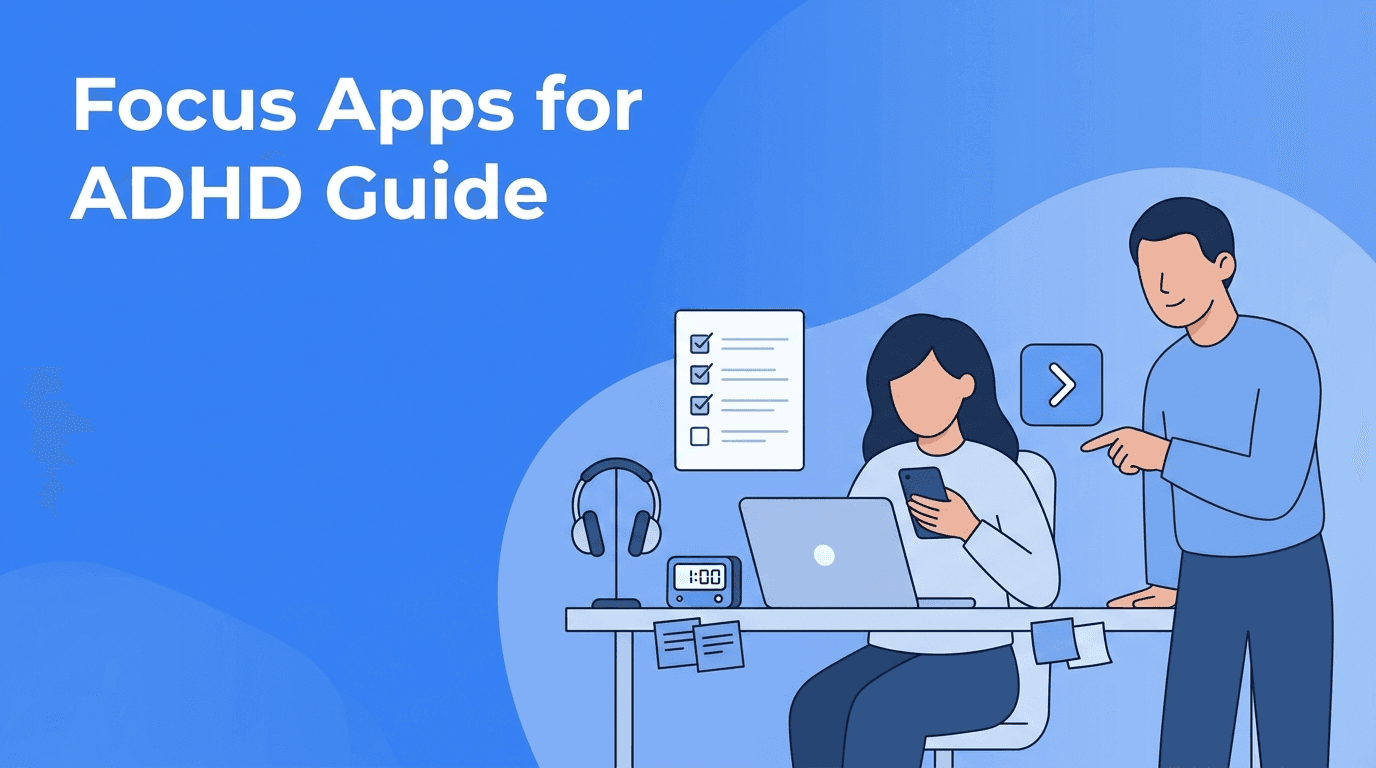
Focus Apps for ADHD: Digital Tools That Reduce Friction and Help You Start
Looking for focus apps ADHD users can actually stick with? This guide breaks down practical app types, what features matter, and how to build a low-friction setup that supports real follow-through.

By Haply Team
Haply Editorial Team
If you have ever downloaded a dozen tools and still struggled to begin, focus apps ADHD users need are usually not the ones with the most features. They are the ones that remove friction, shorten the distance between intention and action, and make the next step feel obvious.
This article takes a practical angle: instead of chasing the best productivity apps in general, we will look at what actually helps when attention is inconsistent, transitions are hard, and motivation depends on momentum. Along the way, we will also connect related categories like habit tracker apps, meditation apps, AI apps, and reading apps so you can build a setup that works together.
Why most app advice fails ADHD brains
A lot of recommendations assume that more customization equals more control. But for many people with ADHD, too many options create delay. The better question is not "What can this app do?" It is "How fast does this app help me begin?"
- Choose tools that open directly to today's next action
- Prefer apps with simple input, such as voice, tap-to-log, or one-screen planning
- Look for timers, reminders, and visual progress instead of deep setup menus
- Avoid building a stack with overlapping features that create decision fatigue
"The best system is not the smartest one. It is the one you will actually use on a distracted Tuesday."
The 5 app categories that help most
1. Start-now planners
Task tools help only if they reduce resistance. For ADHD users, many so-called best productivity apps become storage closets for unfinished plans. A stronger option is a planner that surfaces one priority, lets you break it down fast, and nudges you back when you drift.
Haply fits well here because it combines chat-based coaching with action tools inside one app. Instead of switching between a planner, motivation app, and journal, you can use personalized coaching, a Task Planner, a Focus Timer, streak-based habit support, and a Today Dashboard that keeps the day visible.
2. Habit systems that feel lightweight
The best habit tracker apps for ADHD do not punish inconsistency. They make restarting easy. Look for streaks, reminders, and very small daily check-ins. If an app asks you to design a perfect system before day one, it may be too heavy to maintain.
- Use one anchor habit first, such as opening your planner after breakfast
- Set reminders for the exact moment the habit should happen
- Track only 1 to 3 habits at a time to prevent overload
- Review misses without shame, then restart the next day
3. Regulation tools for task transitions
Many people think meditation apps are only for long mindfulness sessions. In reality, short breathing exercises, grounding tools, and transition rituals can make it easier to move from avoidance into action. Even a two-minute reset before a hard task can reduce mental static.
This is where digital wellness becomes practical. If an app includes short meditations, breathing prompts, or calming audio, use it before work sprints, not just before bed. In Haply, the Meditation/Breathe tools and daily motivational prompts support this kind of quick reset.
4. AI support that turns thoughts into action
Useful AI apps for ADHD should do more than generate text. They should help you clarify what to do next, reframe overwhelm, and create simple plans when your brain feels foggy. The strongest use case is guided conversation that helps you move from "I should" to "I will do this now." That is why AI coaching tools stand out from generic assistants. A personalized coach can help with productivity, wellness, learning, and career goals while adapting to your patterns over time.
5. Reading tools that reduce distraction
Not all reading apps help attention. Some are packed with highlights, feeds, and recommendations that pull you away from the page. If reading is part of your personal improvement routine, choose tools with clean layouts, read-later simplicity, offline mode, and progress markers that make short sessions feel worth it.
A simple app stack for ADHD, without the overwhelm
You do not need ten tools. A practical stack often includes just three layers: one app to decide, one app to focus, and one app to regulate. In some cases, a single app can cover all three.
- Decide: a planning or coaching app that identifies the next step
- Focus: a timer or session tool that helps you begin
- Regulate: short breathing, reflection, or reset tools for transitions
If you want fewer moving parts, Haply is worth considering because it combines several needs inside one experience. It is available on iOS and Android, offers specialized AI coaches across life areas, includes habit tracking with reminders, and uses goal-based onboarding to personalize support from the start.
Want one app instead of five?
Try Haply if you want chat-based coaching, planning, focus tools, meditation support, and habit tracking in one place, with a 7-day free trial.
Try Haply FreeHow to choose the right tool in 10 minutes
- Open the app and see if you can complete a meaningful action in under 60 seconds
- Check whether the home screen shows today, not just a menu
- Test reminders. If they are easy to ignore, the app may not help enough
- Try the smallest loop: add one task, start one timer, log one habit, do one reset
- After three days, ask one question: Did this help me start faster?
This test works better than reading endless reviews. For focus apps ADHD users often need, low friction beats feature depth. If an app feels tiring before it becomes useful, it is probably the wrong fit.
"Support is effective when it lowers the activation energy of doing the thing."
Where related app categories fit
Searches for the best productivity apps, habit tracker apps, meditation apps, AI apps, and reading apps often overlap because personal improvement is not one problem. It is a chain: you need clarity, emotional regulation, follow-through, and review. The right tool should support at least one link in that chain clearly.
Frequently Asked Questions
What are the best focus apps ADHD adults can use every day?
The best options are usually apps that reduce friction, show the next step clearly, and include reminders or timers. Many adults do better with simple planners, lightweight habit trackers, and coaching-based tools.
Are AI apps helpful for ADHD productivity?
Yes, especially when they turn overwhelm into a short action plan. AI is most helpful when it guides decisions and keeps the next step clear, rather than just generating information.
Do meditation apps actually help with ADHD focus?
They can, especially for transitions between tasks. Short breathing or grounding sessions are often more useful than long meditation routines.
How many apps should someone with ADHD use?
Usually fewer is better. Start with one to three tools that cover planning, focus, and regulation so your system stays easy to use.