Task Batching for Knowledge Workers: A Smarter Productivity System for Busy Days
Task batching is a practical productivity system that helps you reduce mental friction, improve prioritization, and create more efficient scheduling habits during busy workdays.

By Haply Team
Haply Editorial Team
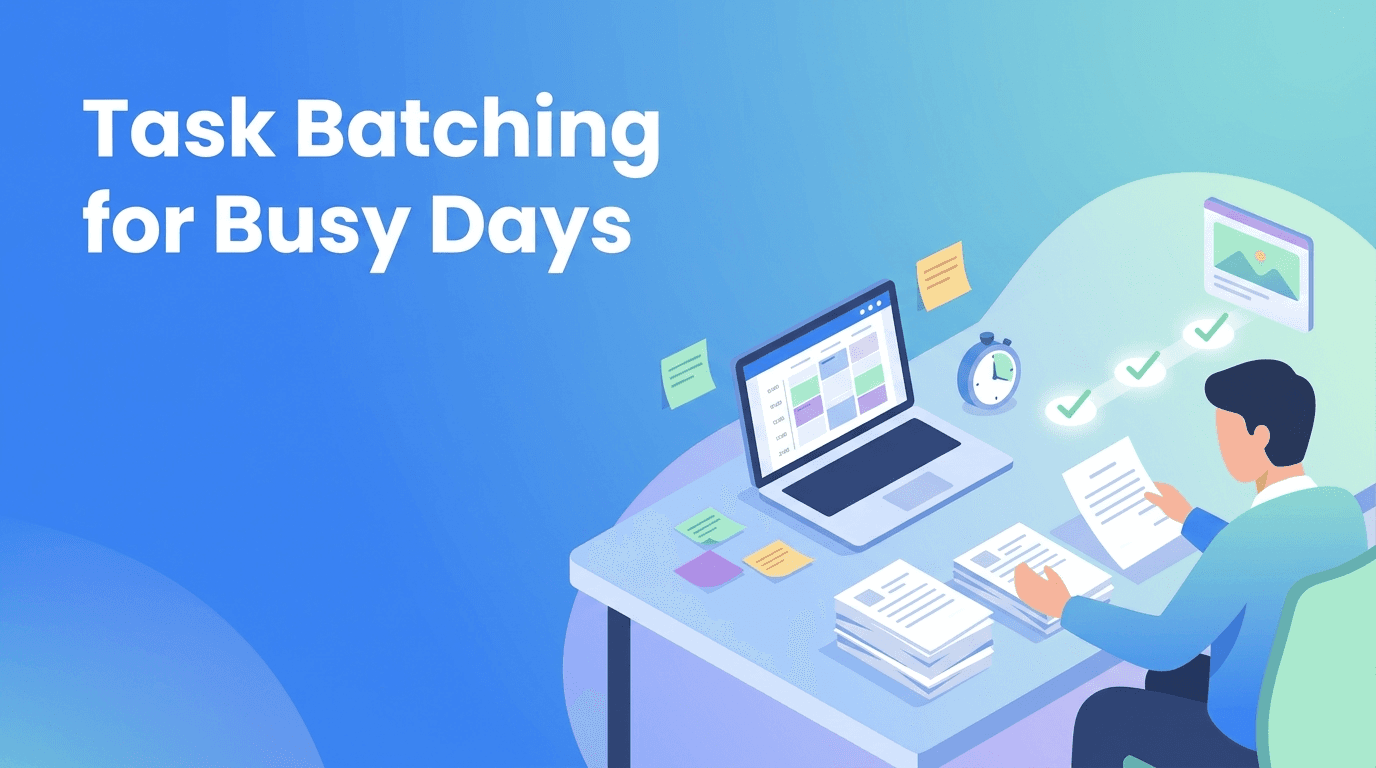
Task batching is one of the simplest ways to build better productivity systems without overhauling your entire life. If your day feels scattered by emails, admin work, meetings, and creative tasks, batching can reduce friction, sharpen prioritization, and make your scheduling more realistic.
Why task batching works when to-do lists fail
A long to-do list often treats every task as equal, but your brain does not. Writing a proposal, replying to messages, planning next week, and updating a spreadsheet all demand different levels of attention. Task batching groups similar tasks together so you can stay in one mental mode longer and waste less time resetting.
- Creative batches for writing, planning, strategy, or design
- Communication batches for email, Slack, follow-ups, and approvals
- Admin batches for expenses, forms, documentation, and file cleanup
- Decision batches for reviewing options, prioritizing projects, and scheduling
- Maintenance batches for recurring habits that keep work moving smoothly
"You do not need more hours. You need fewer unnecessary switches between modes of work."
The hidden cost of constant switching
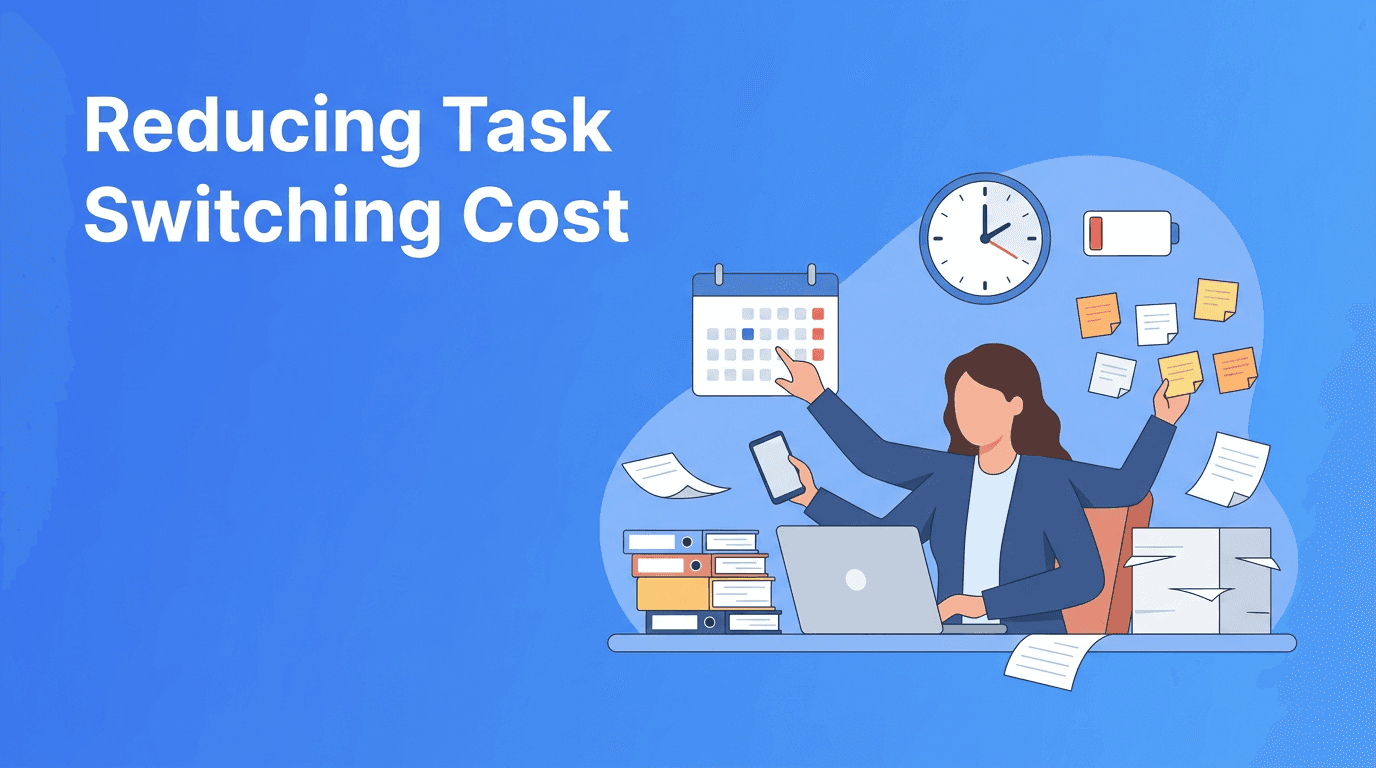
Most productivity problems are not caused by laziness. They come from fragmented attention. When you bounce between unrelated tasks, you spend energy remembering context, reopening files, and mentally restarting. That hurts efficiency even if you are busy all day.
This is why many people feel productive while doing a lot, yet finish the day with little meaningful progress. Better habits come from designing the day around energy and task type, not just urgency.
What batching improves
- Faster starts because similar tasks use the same tools and mindset
- Better focus because you stay in one cognitive lane longer
- Cleaner scheduling because you can estimate grouped work more accurately
- Stronger prioritization because important work gets protected time
- Lower stress because your day feels less chaotic and reactive
A 4-step task batching system
1. Sort your tasks by mental mode
Instead of organizing only by deadline, sort tasks by the type of attention they require. For example, group deep thinking tasks together, quick responses together, and low-energy admin together. This turns random work into a repeatable productivity system.
2. Match batches to your energy
Put your highest-value batch where your mind is strongest. Many people do best with analytical or creative work early, communication in mid-day, and admin later. Smart scheduling is less about filling every hour and more about placing the right work in the right window.
3. Set limits for each batch
A batch needs a boundary. Try 30, 60, or 90-minute blocks depending on the task. Without limits, easy tasks like inbox clearing can expand and steal time from important work. This is where prioritization becomes visible in your calendar.
4. Review and refine weekly
Notice which batches create momentum and which ones drain you. Over time, your categories will become more accurate. Great habits are usually built through small adjustments, not perfect plans on day one.
Build your batching habit with Haply
Want help turning task batching into a daily routine? Haply is an AI life coaching app for iOS and Android with Productivity coaches, a Focus Timer, Task Planner, habit tracking, and a personalized Today Dashboard to help you stay consistent.
Try Haply FreeHow to use task batching in real schedules
Here is a practical example for a knowledge worker with meetings, messages, and project work. Notice that the goal is not perfection. The goal is reducing unnecessary switching and protecting meaningful output.
- 9:00 to 10:30 - Deep work batch for writing, analysis, or problem solving
- 10:30 to 11:00 - Communication batch for email and team replies
- 11:00 to 12:00 - Meeting block or collaborative work
- 1:00 to 2:00 - Project maintenance batch for documentation and follow-ups
- 2:00 to 3:00 - Second focus batch for priority work
- 4:00 to 4:30 - Admin batch for small tasks and scheduling updates
If your role is more reactive, you can still use smaller batches. Even two dedicated communication windows per day can dramatically improve efficiency.
Common task batching mistakes
- Batching unrelated tasks just because they are short
- Overpacking the calendar with no room for reality
- Ignoring energy patterns and forcing deep work at your worst hours
- Using batching as procrastination by organizing work instead of doing it
- Never reviewing the system after a stressful week
The best productivity systems are flexible. If a batch keeps failing, the answer is not more guilt. It is better design.
Make batching sustainable with simple supports
To make task batching stick, pair it with visible cues. Use a calendar label for each batch type, keep a short running list of similar tasks, and start each block with one clear target. Tools can help here too. In Haply, you can use the Task Planner to organize categories, the Focus Timer to hold your attention, and daily reminders to reinforce new habits.
You do not need an elaborate setup. A lightweight system that supports scheduling, prioritization, and follow-through is usually more effective than a complex workflow you abandon after a week.
Frequently Asked Questions
What is task batching in productivity?
Task batching is the practice of grouping similar tasks together and completing them in dedicated time blocks. It reduces context switching and improves focus.
Does task batching improve efficiency?
Yes. Task batching can improve efficiency by lowering mental reset time, simplifying scheduling, and helping you stay in one type of work longer.
How do I start task batching at work?
Start by grouping tasks into 3 to 5 categories, such as deep work, communication, and admin. Then assign each category a specific time block in your day or week.
Is task batching good for people with lots of meetings?
Yes. Even with a meeting-heavy schedule, you can batch email, follow-ups, and admin into smaller windows to reduce fragmentation.