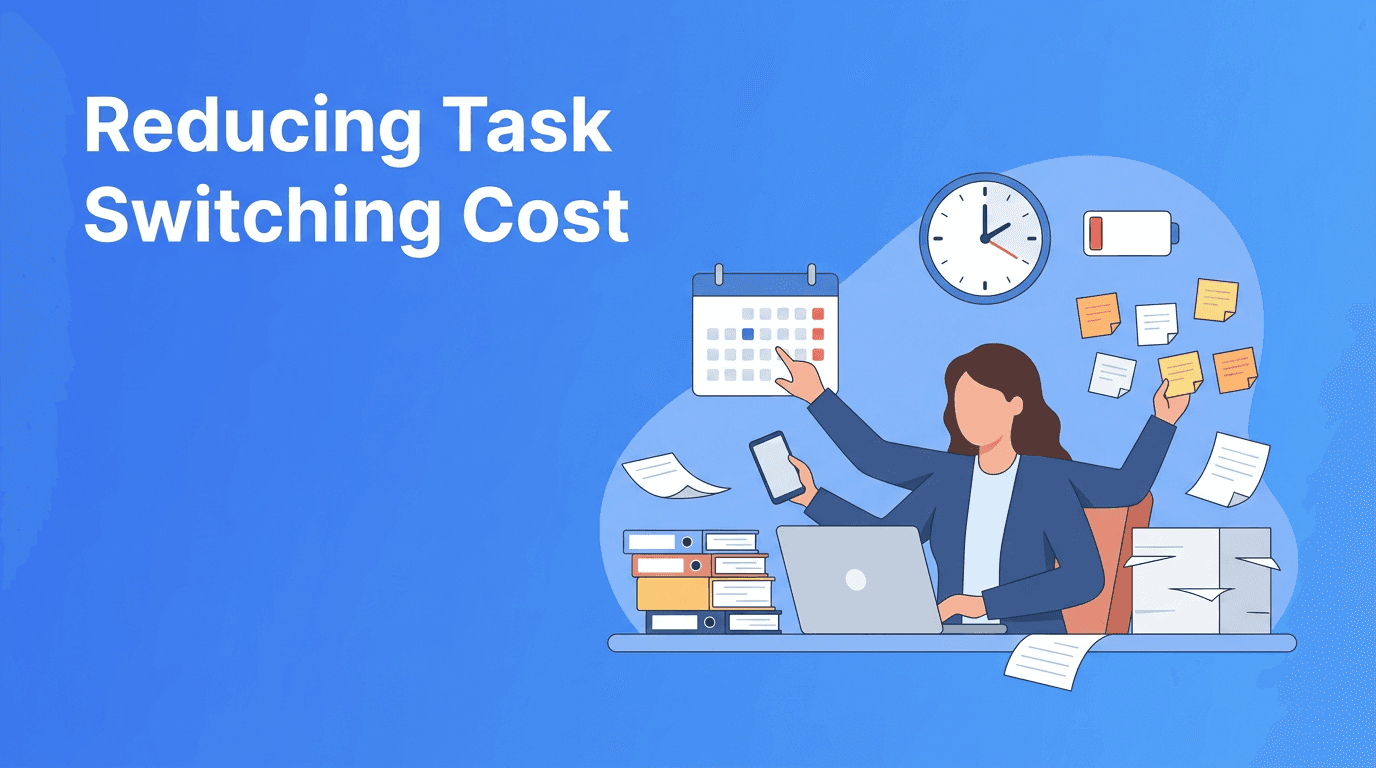
Task Batching for Productivity Systems: A Practical Way to Improve Focus and Efficiency
Task batching is one of the simplest productivity systems for reducing mental friction, improving scheduling, and making habits easier to maintain. Learn how to batch work with smarter prioritization and better efficiency.
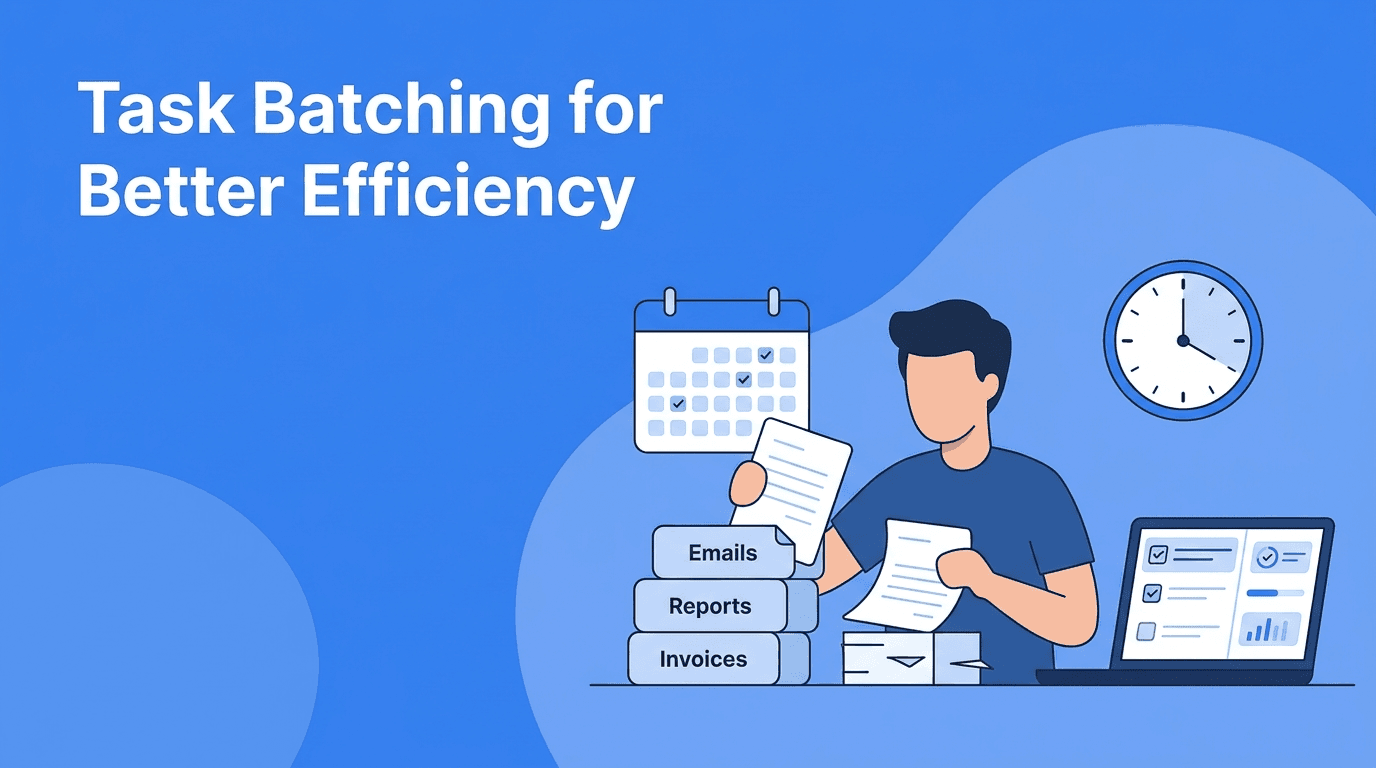

By Haply Team
Haply Editorial Team
Most people do not need more hours. They need fewer unnecessary transitions. Task batching is one of the most effective productivity systems for cutting mental clutter, improving scheduling, and turning good habits into repeatable action. If your day feels scattered, this method can help you work with more clarity, stronger prioritization, and better efficiency.
Why task batching works when to-do lists fail
A standard to-do list often mixes deep work, quick admin, messages, planning, and personal errands in one place. That creates constant decision-making. Task batching solves this by grouping similar tasks together so your brain stays in one mode for longer. Instead of switching from writing to email to planning to calls, you complete related work in focused clusters.
- Communication batch: email, Slack replies, follow-ups, approvals
- Planning batch: weekly review, calendar updates, task sorting, prioritization
- Creative batch: writing, brainstorming, design, problem-solving
- Admin batch: forms, invoices, file cleanup, documentation
- Life batch: groceries, bill payments, appointments, household tasks
You do not become productive by doing more things. You become productive by doing fewer types of things at the same time.
The hidden cost of mixing task types
Different tasks demand different mental gears. Writing requires depth. Meetings require responsiveness. Admin work requires accuracy. When you jump between them, you lose momentum each time. This is why many people feel busy but not effective. Better productivity systems reduce the number of mental resets built into the day.
What batching improves
- Focus because you stay in one cognitive mode longer
- Speed because repeated actions become easier
- Scheduling because blocks are simpler to place on a calendar
- Habits because recurring batches create predictable routines
- Efficiency because setup time is shared across similar tasks
How to build a task batching system in 4 steps
1. Audit your recurring work
For three to five days, track the tasks you repeat. Look for patterns rather than one-off events. Most people quickly notice clusters like communication, planning, creative production, and admin. These clusters become the foundation of your task batching system.
2. Assign each batch an ideal energy level
Not every batch belongs at the same time of day. Put high-focus batches where your energy is strongest. Save lower-focus work for energy dips. This creates a more realistic form of scheduling and supports sustainable habits instead of relying on willpower alone.
3. Set a trigger and a boundary
Each batch should have a clear start signal and end rule. For example, email from 11:30 to 12:00, or admin tasks only after lunch. Boundaries stop small tasks from expanding across the whole day. Triggers make the routine easier to repeat.
4. Review and refine weekly
Your first system will not be perfect. During a weekly review, ask: Which batches felt natural? Which ones were too large? Where did interruptions break the flow? Strong productivity systems improve through small adjustments, not dramatic overhauls.
A sample weekly schedule using task batching
Here is a simple example for someone balancing meetings, individual work, and personal responsibilities. The goal is not rigid control. The goal is smarter prioritization and less fragmentation.
- Monday morning: planning batch, weekly goals, project prioritization
- Monday afternoon: communication batch, meeting follow-ups, status updates
- Tuesday and Wednesday mornings: deep work batch for creative or analytical tasks
- Daily after lunch: admin batch, approvals, documentation, low-energy tasks
- Thursday: collaboration batch, meetings, shared decisions
- Friday: review batch, loose ends, next week scheduling, habit tracking
Build your productivity system with support
If you want help turning task batching into a repeatable routine, Haply can guide you with chat-based AI coaching, a Task Planner, a Focus Timer, streak tracking, and daily reminders. It is a practical way to strengthen habits and improve efficiency without overcomplicating your day.
Try Haply FreeCommon mistakes that make task batching fail
- Making batches too broad: 'work stuff' is not a batch. Be specific.
- Batching urgent and deep work together: they compete for attention.
- Ignoring realistic time limits: oversized batches create avoidance.
- Checking messages inside every batch: this breaks the whole system.
- Skipping weekly review: without review, your scheduling goes stale.
The best task batching setup feels simple enough to use on a normal Tuesday, not just on your most motivated day. If a batch repeatedly gets postponed, shrink it, move it, or split it by energy level.
How task batching supports better habits over time
One reason batching works so well is that it turns isolated effort into structure. Instead of asking yourself what to do next all day, you follow a pattern. Over time, patterns become habits. And habits reduce friction. This is where efficiency compounds, not from working faster every minute, but from removing the tiny delays that drain consistency.
This is also where digital support can help. In Haply, users can combine a personalized Productivity coach with tools like the Today Dashboard, Focus Timer, and Task Planner to reinforce recurring batches. That makes it easier to keep your productivity systems visible and actionable, especially during busy weeks.
When to use task batching, and when not to
Use task batching when your work includes repeatable activities, communication overload, admin buildup, or frequent small tasks. It is especially useful for remote workers, managers, freelancers, and students. It is less useful for roles dominated by constant live response, although even then, mini-batches can still improve efficiency.
Think of batching as a flexible operating rule, not a rigid schedule. The purpose is to protect attention, improve prioritization, and make your day easier to run.
Frequently Asked Questions
What is task batching in productivity?
Task batching is a method of grouping similar tasks together and completing them in one dedicated block. It reduces switching between task types and improves focus and efficiency.
How does task batching improve efficiency?
It lowers the mental cost of constantly changing context, reduces setup time, and helps you complete similar work faster. It also makes scheduling more predictable.
What tasks should I batch together?
Batch tasks that use similar mental energy or tools, such as email, planning, admin work, creative tasks, or errands. Start with recurring activities you do several times a week.
Is task batching better than time blocking?
They solve different problems. Task batching groups similar tasks, while time blocking assigns work to calendar slots. Many people get the best results by combining both.