Task Batching for Remote Work: A Smarter Way to Protect Focus
Task batching can make remote work simpler for freelancers and students who juggle shifting priorities. Learn a practical system to reduce mental clutter, study better, and finish work with less stress.


By Haply Team
Haply Editorial Team
Task batching is one of the easiest ways to make remote work feel less scattered. If you are a freelancer, student, or self-managed professional, grouping similar tasks can reduce friction, protect attention, and help you move through the day with more control.
Why task batching works so well
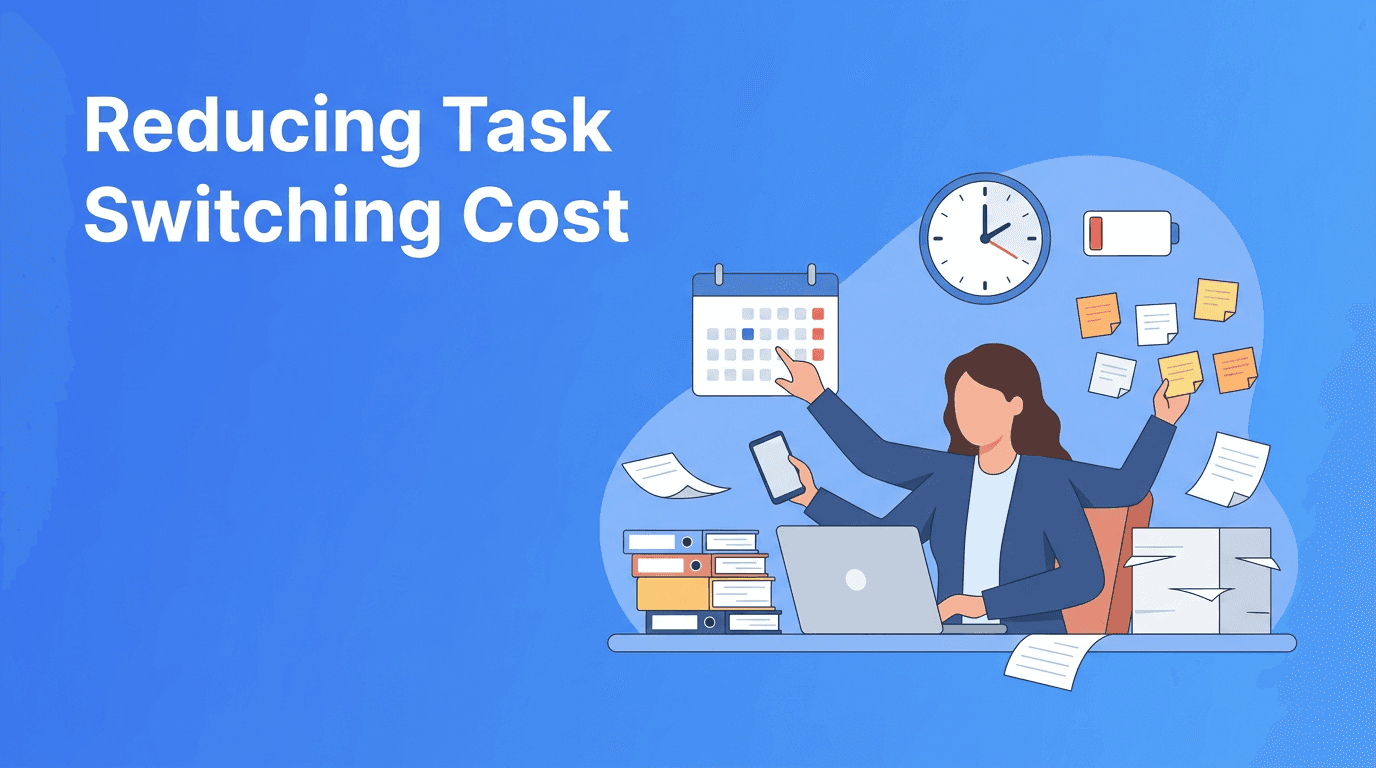
Most people do not lose time because they are lazy. They lose time because they keep restarting. Every time you jump from email to research to admin to creative work, your brain has to reload the rules of the task. Task batching limits that reset cost by keeping similar work together.
- Batch communication tasks like email, messages, and follow-ups into one or two windows
- Group creative tasks such as writing, design, brainstorming, or outlining
- Keep admin work together, including invoices, forms, scheduling, and file cleanup
- Use separate study batches for reading, note review, practice questions, and revision
"Focus is easier when your brain does not have to keep changing gears."
A simple task batching system for freelancers and students
1. Start by spotting repeatable task types
Open your to-do list and highlight patterns. You will usually find the same categories appearing again and again: communication, planning, deep work, errands, admin, and learning. This step is especially useful for freelancer productivity because independent work often mixes client delivery with business maintenance.
2. Create 3 to 5 core batches
Do not overcomplicate it. A practical weekly setup might include deep work, communication, admin, study, and life tasks. Students can create separate batches for lectures, review, and assignments. These are strong study tips because they make sessions easier to start.
3. Match each batch to your best energy
Put demanding batches where your mind is strongest. For many people, mornings are best for writing, coding, reading, or revision. Lower-energy periods are better for inboxes, scheduling, and routine updates. This is a simple upgrade for both student productivity and remote work consistency.
- Morning: deep work, difficult assignments, problem solving
- Midday: meetings, communication, collaboration
- Afternoon: admin, planning, lighter review
- Evening: reflection, prep for tomorrow, low-pressure reading
Common task batching mistakes
The biggest mistake is making batches too broad. If one batch includes ten unrelated activities, it stops working. Another mistake is filling the whole day with shallow task groups and leaving no room for meaningful progress. Task batching should create momentum, not just tidy chaos.
- Do not batch everything into one giant 'work' block
- Do not check messages during every batch
- Do not make batches so long that your attention drops
- Do not ignore breaks between mentally heavy sessions
Want help turning plans into action?
Haply is an AI life coaching app for iOS and Android that helps you build better routines with personalized coaching, a Focus Timer, Task Planner, habit tracking, and daily reminders. If task batching sounds good in theory but hard in practice, Haply can help you follow through.
Try Haply FreeHow to use task batching in real life
For remote work
In remote work, distractions often arrive disguised as small tasks. Try setting one communication batch before lunch and one near the end of the day. Keep your highest-focus window protected for output, not replies.
For freelancers
For freelancer productivity, use separate batches for client delivery, lead generation, finance admin, and revision. This stops paid work from swallowing every other responsibility and helps you run your business more calmly.
For students
For student productivity, split study time by cognitive mode instead of by subject alone. For example, batch reading across classes, then batch flashcards, then batch writing tasks. These study tips reduce startup resistance because your brain knows what kind of effort is coming next.
A 15-minute weekly reset
Once a week, review what drained you and what flowed well. Move recurring tasks into better batches, shorten sessions that feel too heavy, and protect the blocks where real progress happens. If you use Haply, its Today Dashboard, Productivity coaching, and streak-based habit tracker can make this review easier to maintain.
You do not need a perfect schedule. You need a day that asks less of your attention. Task batching helps you simplify choices, reduce mental switching, and create steadier momentum whether you are working from home, freelancing, or trying to study without constant resets.
Frequently Asked Questions
What is task batching and how does it help productivity?
Task batching means grouping similar tasks together and doing them in one session. It helps productivity by reducing mental switching and making it easier to stay focused.
Is task batching good for remote work?
Yes. Task batching is especially useful for remote work because it creates clearer boundaries around communication, deep work, and admin tasks.
How can students use task batching to study better?
Students can batch similar study activities like reading, note review, flashcards, or writing. This lowers startup friction and makes study sessions more consistent.
What are the best task batching tips for freelancers?
Freelancers should create separate batches for client work, outreach, admin, and planning. This helps balance delivery with business upkeep.