Time Blocking for Procrastination: A Gentle System for Deep Work Without Burnout
Struggling with procrastination and scattered days? This guide shows how time blocking can improve time management, support deep work, and make motivation easier to maintain.

By Haply Team
Haply Editorial Team
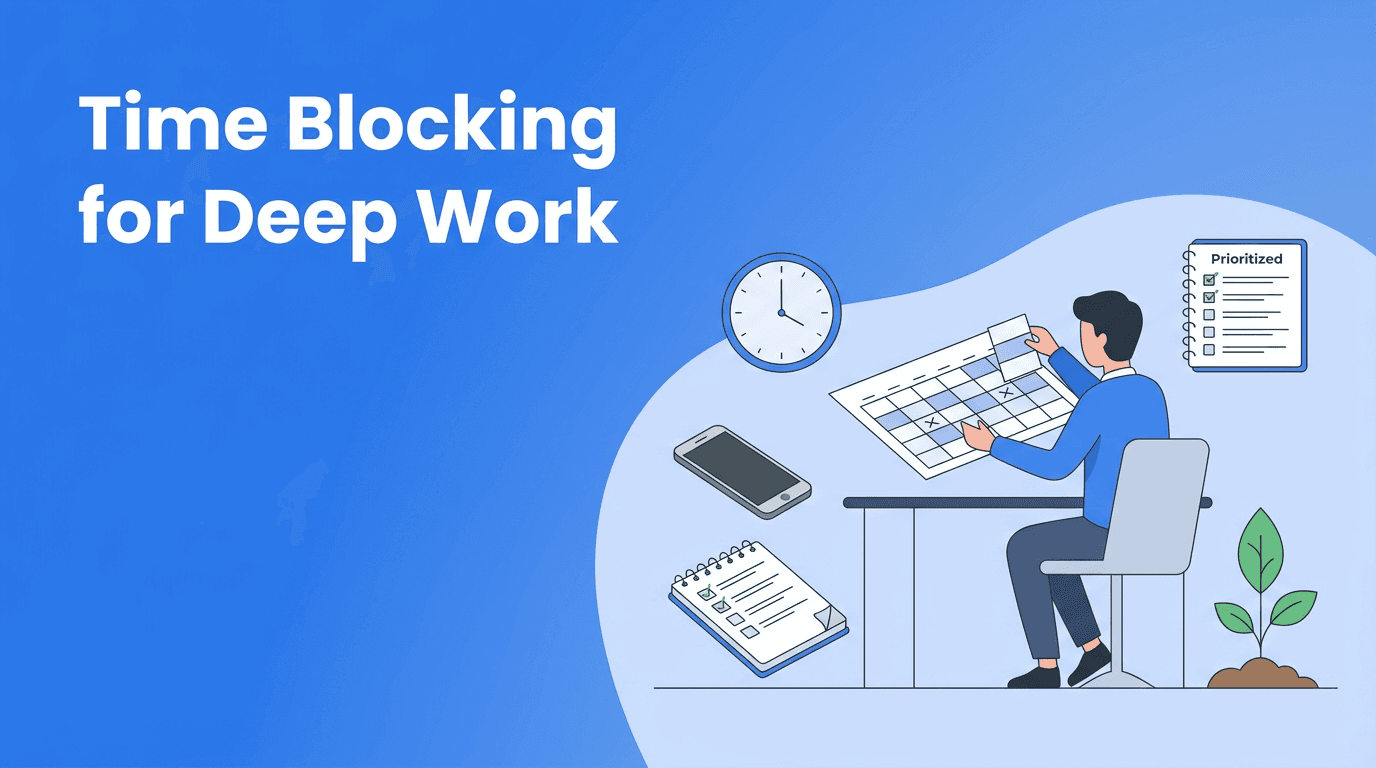
If your to-do list keeps growing while your attention keeps shrinking, time blocking may be the missing structure. Instead of asking yourself what to do every few minutes, you assign work to specific blocks of time. That simple shift helps with time management, lowers procrastination, and makes deep work feel more realistic, even on busy days.
Why time blocking works when motivation is unreliable
Many people assume they need more motivation to get things done. In reality, they often need fewer decisions. A blank day invites delay. A blocked day creates a starting point. Time blocking reduces the mental friction of choosing your next task, which is one reason it can be so effective for people who procrastinate.
- It turns vague intentions into visible appointments with your priorities.
- It helps protect deep work before meetings and messages take over.
- It makes large tasks feel smaller because you only commit to one block, not the entire project.
- It reveals unrealistic planning patterns, which improves time management over time.
You do not need to feel ready to begin. You need a clear place to begin.
The beginner-friendly version of time blocking
A common mistake is creating a schedule so detailed that it breaks by 10 a.m. A better approach is to use three kinds of blocks: focus blocks, admin blocks, and recovery blocks. This gives your day structure without turning it into a cage.
1. Focus blocks for deep work
Use 45 to 90 minutes for cognitively demanding tasks like writing, studying, coding, planning, or strategy work. During this block, remove obvious distractions and define one clear output, such as draft the outline, review chapter 2 notes, or finish slides 1 through 5.
2. Admin blocks for shallow tasks
Group email, messages, scheduling, and small approvals into one or two short blocks. This keeps low-value tasks from leaking into your best mental hours. It is one of the simplest productivity tips for reducing the stop-start pattern that fuels procrastination.
3. Recovery blocks for energy and follow-through
Short walks, lunch without screens, reset time between meetings, and brief planning sessions all belong here. Better time management is not about filling every minute. It is about protecting your attention and energy so you can work consistently.
A simple daily template you can copy
- 9:00 - 10:15: Focus block for your most important task
- 10:15 - 10:30: Recovery block, stretch, water, quick reset
- 10:30 - 11:00: Admin block, email, messages, logistics
- 11:00 - 12:00: Focus block for second priority
- 1:00 - 1:30: Planning and follow-up
- 2:00 - 3:00: Meetings or collaborative work
- 3:15 - 4:00: Light tasks or overflow
- 4:00 - 4:15: Shutdown block, review, carry forward, tomorrow plan
Notice the goal is not perfection. The goal is to make the day easier to start. When you know what belongs in each block, motivation matters less because the next action is already decided.
How to use time blocking when procrastination is strong
When resistance is high, shrink the block before you abandon the plan. A 20-minute block still counts. In fact, small blocks often work better because they lower the emotional cost of starting. If procrastination usually appears around one intimidating task, create a block named after the first tiny step, not the whole project.
- Instead of work on report, write open file and draft intro.
- Instead of study biology, write review flashcards for 20 minutes.
- Instead of clean inbox, write reply to top 5 emails.
- Instead of build presentation, write choose 3 key points.
Tools that make the system easier to maintain
You can use a paper planner, calendar app, or a simple digital task list. What matters is seeing your day clearly. If you want extra support, Haply can help turn planning into a repeatable routine. The app offers AI coaching on productivity, a Task Planner, a Focus Timer, daily reminders, and a personalized dashboard that makes it easier to follow through when your attention is scattered.
Want help sticking to your plan?
Use Haply's AI productivity coaching, Focus Timer, and Task Planner to turn time blocking into a daily habit you can actually maintain.
Try Haply FreeCommon time blocking mistakes to avoid
- Overblocking every hour and leaving no buffer for reality.
- Scheduling deep work during your lowest-energy time of day.
- Using blocks as a guilt tool instead of a guide.
- Forgetting to include breaks, meals, and transition time.
- Trying to plan an ideal day instead of your actual day.
The best productivity tips are the ones you can repeat. If your schedule regularly collapses, simplify it. Fewer blocks, clearer outcomes, and more buffer usually beat a hyper-optimized plan.
How to make time blocking stick for more than a week
Start with just two focus blocks per day. Review what worked at the end of the afternoon. Ask: Which block helped me make real progress? Where did I underestimate time? What distracted me? Small adjustments create a better system than constant self-criticism. Over time, time blocking becomes less about controlling every hour and more about making space for what matters.
Frequently Asked Questions
What is time blocking and how does it help productivity?
Time blocking is a planning method where you assign specific tasks to specific time slots. It improves productivity by reducing decision fatigue, protecting focus, and making time management more intentional.
Is time blocking good for procrastination?
Yes. Time blocking helps with procrastination because it breaks work into scheduled, manageable sessions and gives you a clear starting point.
How long should a deep work time block be?
A good deep work block is usually 45 to 90 minutes. Beginners can start with 20 to 30 minutes and increase the length as focus improves.
Can I use time blocking if my schedule changes a lot?
Yes. Use flexible categories like focus, admin, and recovery blocks instead of planning every minute. That makes the system easier to adapt when your day shifts.