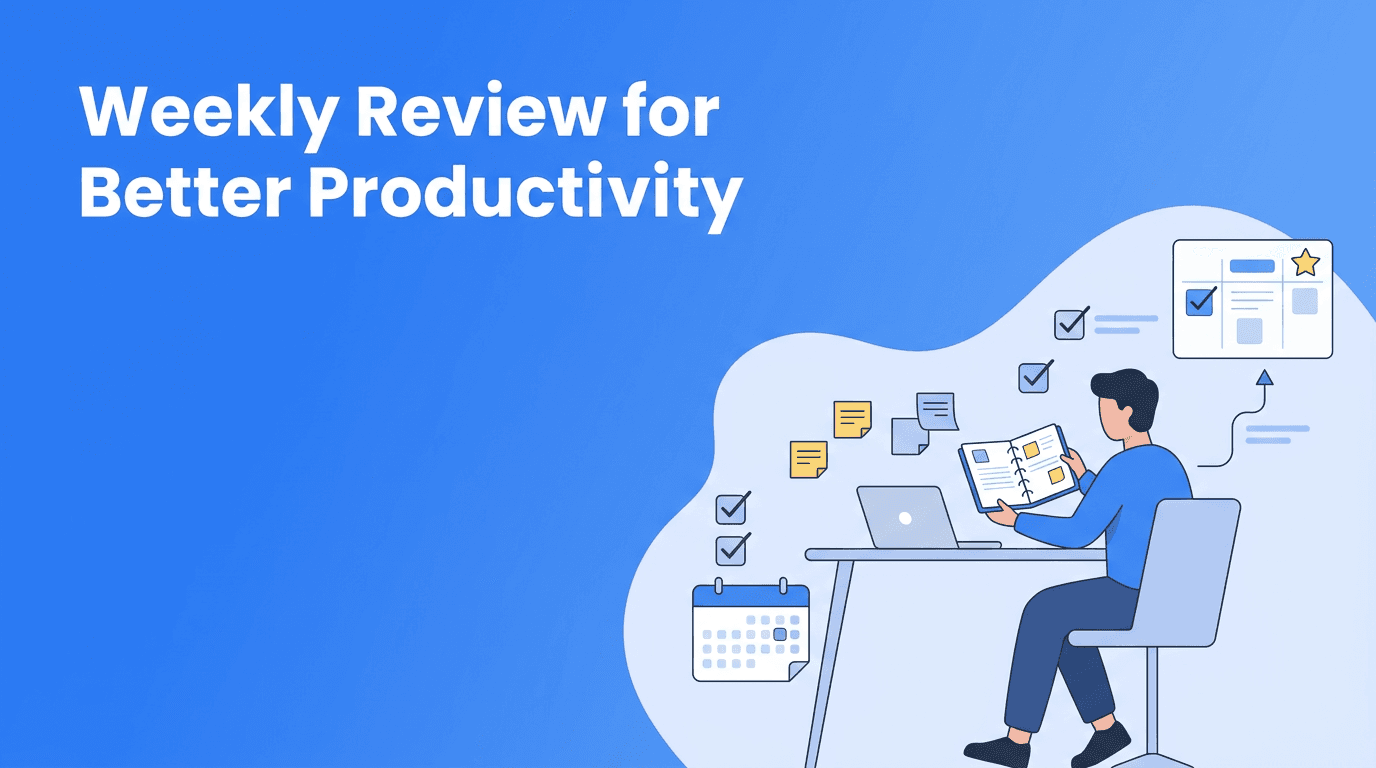
Weekly Review for Productivity: The Simple System That Keeps Priorities Clear
A weekly review for productivity helps you reset your workload, improve prioritization, and build better productivity systems with smarter scheduling and habits.

By Haply Team
Haply Editorial Team
A weekly review is one of the most practical ways to keep your productivity systems useful instead of chaotic. If your days feel busy but not especially effective, this small habit can improve prioritization, tighten scheduling, and help you work with more efficiency each week.
Why a weekly review works better than constant catching up
Many people try to fix productivity problems in the middle of a stressful day. That usually leads to reactive decisions, overloaded to-do lists, and rushed calendar changes. A weekly review creates a separate moment to step back, notice what matters, and make smarter choices before the pressure starts.
- You see your full workload in one place
- You can reconnect tasks to real priorities
- You reduce mental clutter before Monday begins
- You spot unfinished work before it turns into hidden stress
- You make your schedule match your actual capacity
"You do not rise to the level of your goals. You fall to the level of your systems."
What to include in a weekly review
A useful weekly review does not need to be long. In most cases, 20 to 30 minutes is enough. The goal is not to create the perfect plan. The goal is to build a repeatable process that strengthens your habits, supports better scheduling, and keeps your commitments realistic.
1. Clear your open loops
Start by gathering loose notes, unread reminders, flagged emails, and unfinished tasks. This helps your brain stop tracking everything in the background. When your input is scattered, your efficiency drops because you keep revisiting half-made decisions.
2. Check what moved forward
Review the past week and mark what was completed, delayed, delegated, or dropped. This creates honest feedback. Strong productivity systems are not built on optimism alone. They improve when you notice patterns, such as underestimating task length or saying yes too often.
3. Rebuild your priorities
Next, identify your top three outcomes for the coming week. This is where prioritization becomes practical. Instead of treating every task as equally important, define what would make the week feel meaningfully successful. Then let smaller tasks fit around those priorities, not the other way around.
4. Adjust your schedule
Now review your calendar and place important work where you actually have energy and space. Good scheduling is not just about filling time slots. It is about protecting focus, adding margin, and making sure your week reflects your priorities rather than your inbox.
A 5-step weekly review template you can repeat
- Collect all tasks, notes, and reminders into one trusted list
- Close small loops by deleting, delegating, or finishing quick items
- Review last week for wins, bottlenecks, and recurring distractions
- Choose three weekly priorities that deserve your best attention
- Schedule key work blocks, deadlines, and recovery time before the week starts
This template works because it combines reflection with action. You are not only reviewing life, you are shaping the next week with intention. Over time, this becomes one of the most reliable habits behind calm execution.
Build your weekly review with Haply
Want a simpler way to stay consistent? Haply offers AI productivity coaching, a Task Planner, daily reminders, and a Today Dashboard that can help you turn a weekly review into a lasting habit.
Try Haply FreeCommon weekly review mistakes that hurt efficiency
- Making it too long - If your review takes an hour every time, you may avoid it
- Reviewing without deciding - Insight matters only if it changes next week's plan
- Keeping too many priorities - A long priority list is usually not real prioritization
- Ignoring energy - Your schedule should match focus levels, not just open spaces
- Skipping it after a messy week - That is often when you need it most
One overlooked benefit of a weekly review is emotional clarity. When you know what matters and where it fits, work feels less heavy. You stop carrying every task as equal urgency, and that creates more sustainable efficiency.
How Haply can support your weekly review habit
If consistency is your challenge, tools can help. Haply is an AI life coaching app for iOS and Android that includes specialized Productivity coaches, a Task Planner, habit tracking with streaks, and a Focus Timer for protected work sessions. You can use it to check in on weekly goals, refine your productivity systems, and keep your new review habit visible throughout the week.
Make your weekly review small enough to keep
The best productivity habit is not the most impressive one. It is the one you actually repeat. If you want better prioritization, cleaner scheduling, and more trustworthy productivity systems, start with a weekly review that feels simple enough to do every single week.
Frequently Asked Questions
How do I do a weekly review for productivity?
Set aside 20 to 30 minutes to collect tasks, review the past week, choose your top priorities, and update your schedule. Keep the process simple so it becomes repeatable.
What should be included in a weekly review?
A good weekly review includes unfinished tasks, calendar review, upcoming deadlines, top priorities, and schedule adjustments. The goal is to create clarity before the week begins.
When is the best time to do a weekly review?
Most people do it on Friday afternoon or Sunday evening. Choose a time when you can reflect calmly and prepare for the next week without rushing.
Can a weekly review improve prioritization?
Yes. A weekly review helps you decide what matters most before urgent tasks take over. It turns prioritization into a regular habit instead of a daily struggle.