Workday Shutdown Routine: The Productivity Habit That Protects Focus
A workday shutdown routine can improve productivity, sharpen focus, and support better time management. Learn a simple system for getting things done with less mental spillover.

By Haply Team
Haply Editorial Team
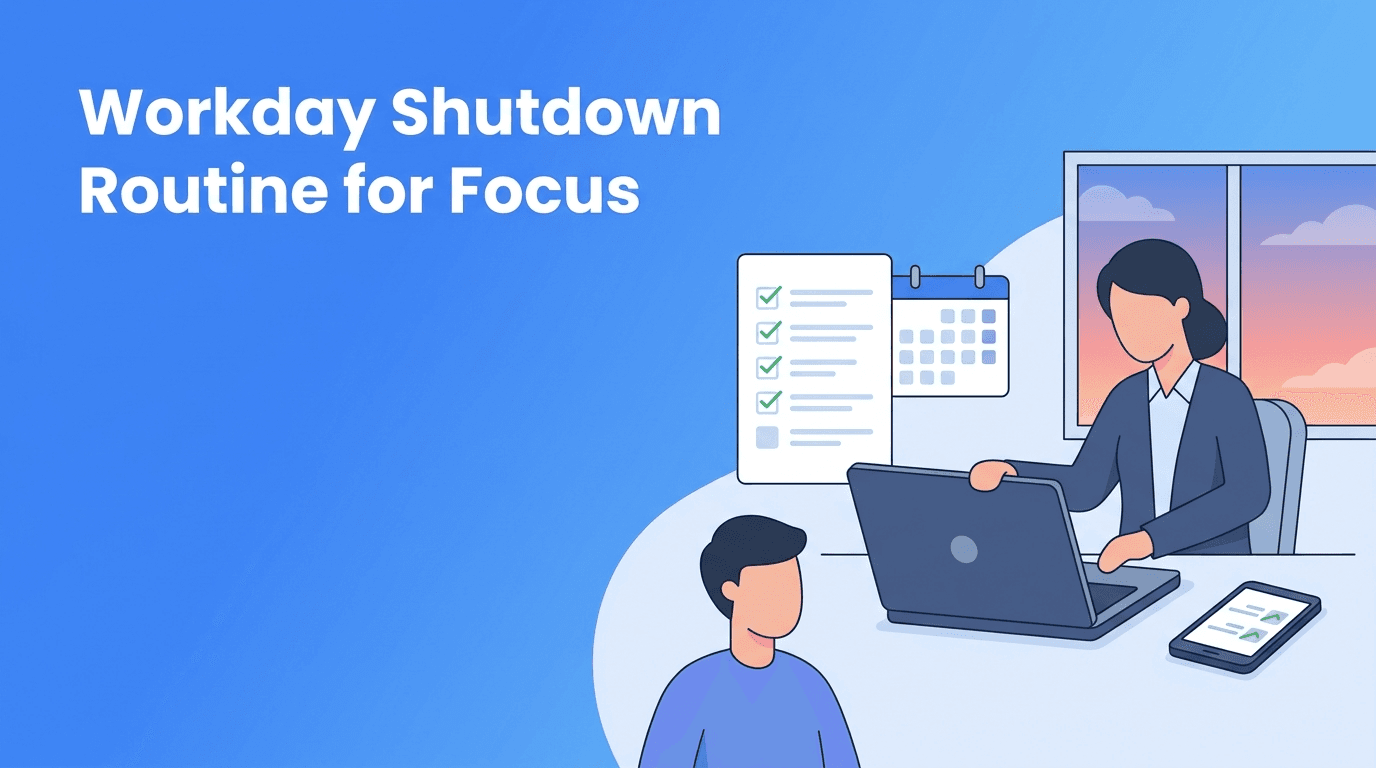
A shutdown routine is one of the most underrated ways to improve productivity, protect focus, and strengthen time management. Most people think getting things done is all about how you start the day, but the end of the day often determines how clearly you can begin the next one.
If your brain keeps replaying unfinished tasks after work, you are not alone. Knowledge workers, students, and busy professionals often carry open loops into the evening. A simple shutdown routine helps you close those loops, reduce mental clutter, and leave work with a clearer plan.
Why a shutdown routine improves efficiency
When you stop working without a deliberate review, your mind keeps scanning for what you forgot. That background stress drains attention and makes it harder to recover. A consistent shutdown routine creates a reliable endpoint, which supports better efficiency and more sustainable performance.
- You reduce decision friction the next morning because priorities are already defined.
- You protect focus by moving loose thoughts into a trusted system instead of keeping them in your head.
- You improve time management by reviewing where your day actually went.
- You make getting things done easier because your first next steps are already clear.
- You create a boundary between work and personal time, which helps recovery and motivation.
"A productive day does not end when you are exhausted. It ends when your mind knows what happens next."
The 10-minute workday shutdown routine
1. Capture every loose end
Open your notes app, task manager, or notebook and do a fast sweep. Write down unfinished tasks, follow-ups, ideas, and reminders. The goal is not to organize perfectly. The goal is to stop your brain from acting like a storage device.
2. Mark what is actually done
Review your calendar, messages, and task list. Check off completed work, even small wins. This builds momentum and gives you a realistic picture of your productivity instead of the common feeling that you did "nothing" all day.
3. Choose tomorrow's top three
Pick three important tasks for the next workday. Make them specific and actionable, such as "draft project outline" instead of "work on project." This is where time management becomes practical rather than abstract.
4. Define the first five-minute action
For each priority, write the smallest starting step. Examples: open the spreadsheet, reply to the client, review lecture notes, or outline three bullet points. Small starting actions reduce resistance and help you regain focus faster the next day.
5. Reset your workspace
Close tabs you do not need, file or rename documents, clear your desk, and plug in devices. This small reset improves visual clarity and removes friction from tomorrow's start. Physical order often supports mental efficiency more than people expect.
6. Say the work is done for today
This may sound simple, but it matters. A verbal cue like "Work is done for today" helps signal completion. Rituals teach your brain when to disengage, which is especially useful in remote work or study-from-home environments.
Build a better end-of-day system with Haply
Use Haply, the AI life coaching app for iOS and Android, to turn your shutdown routine into a repeatable habit. Its Productivity coaches, Task Planner, daily reminders, and Today Dashboard can help you review your day and plan the next one in minutes.
Try Haply FreeCommon mistakes that weaken your shutdown routine
- Making it too long. If it takes 30 minutes, you will skip it. Keep it to 10 minutes or less.
- Replanning your entire life every evening. A shutdown routine is for closure, not endless optimization.
- Choosing vague priorities like "be productive." Define visible next actions instead.
- Ending with inbox scrolling. That pulls you back into reactive work and breaks the boundary.
- Skipping it after a messy day. That is exactly when you need it most.
How to make the habit stick
Attach your shutdown routine to an existing cue, such as your last meeting, your final study block, or a recurring 4:50 p.m. reminder. Keep the checklist visible. In Haply, you can use habit tracking, streaks, and personalized coaching prompts to make the behavior easier to repeat without relying on motivation alone.
If you struggle with consistency, start with a two-step version: capture loose ends and choose tomorrow's top three. That alone will improve getting things done and make your mornings less chaotic.
Who benefits most from a shutdown routine
- Remote workers who need a clear line between work and home.
- Managers and team leads who juggle many conversations and follow-ups.
- Students who want better control over assignments and study sessions.
- Freelancers who need to switch between client work and personal time.
- Anyone overwhelmed by open loops and unfinished tasks.
The real value of a shutdown routine is not just ending the day neatly. It is creating a better next day. When you know what matters, where to begin, and what can wait, focus comes faster and efficiency feels less forced.
Frequently Asked Questions
What is a shutdown routine for work?
A shutdown routine is a short end-of-day process where you review completed work, capture unfinished tasks, and plan your next priorities. It helps your mind leave work more clearly.
How long should a workday shutdown routine take?
For most people, 5 to 10 minutes is enough. The routine should be short enough to repeat consistently.
Does a shutdown routine help with focus?
Yes. It reduces mental clutter and gives you a clear starting point for the next day, which makes it easier to focus quickly.
What should I include in an end of day routine for productivity?
Capture loose ends, mark completed tasks, choose your top priorities for tomorrow, and reset your workspace. Keep it simple and repeatable.
Can students use a shutdown routine too?
Absolutely. Students can use it to review assignments, note deadlines, and decide what to study first the next day.